29
c?J
Navigation
Setting
Navigation software path:
I \StorageCard\ScreenCapture.e
xe
Run navigation
softwar
e automatically at startup
ID:
A739-90090S12-285810-484E04-1C367F46
VER
: 816D-8184-600S-{)9()Sl9(WiOOows@a: 5.0)
•
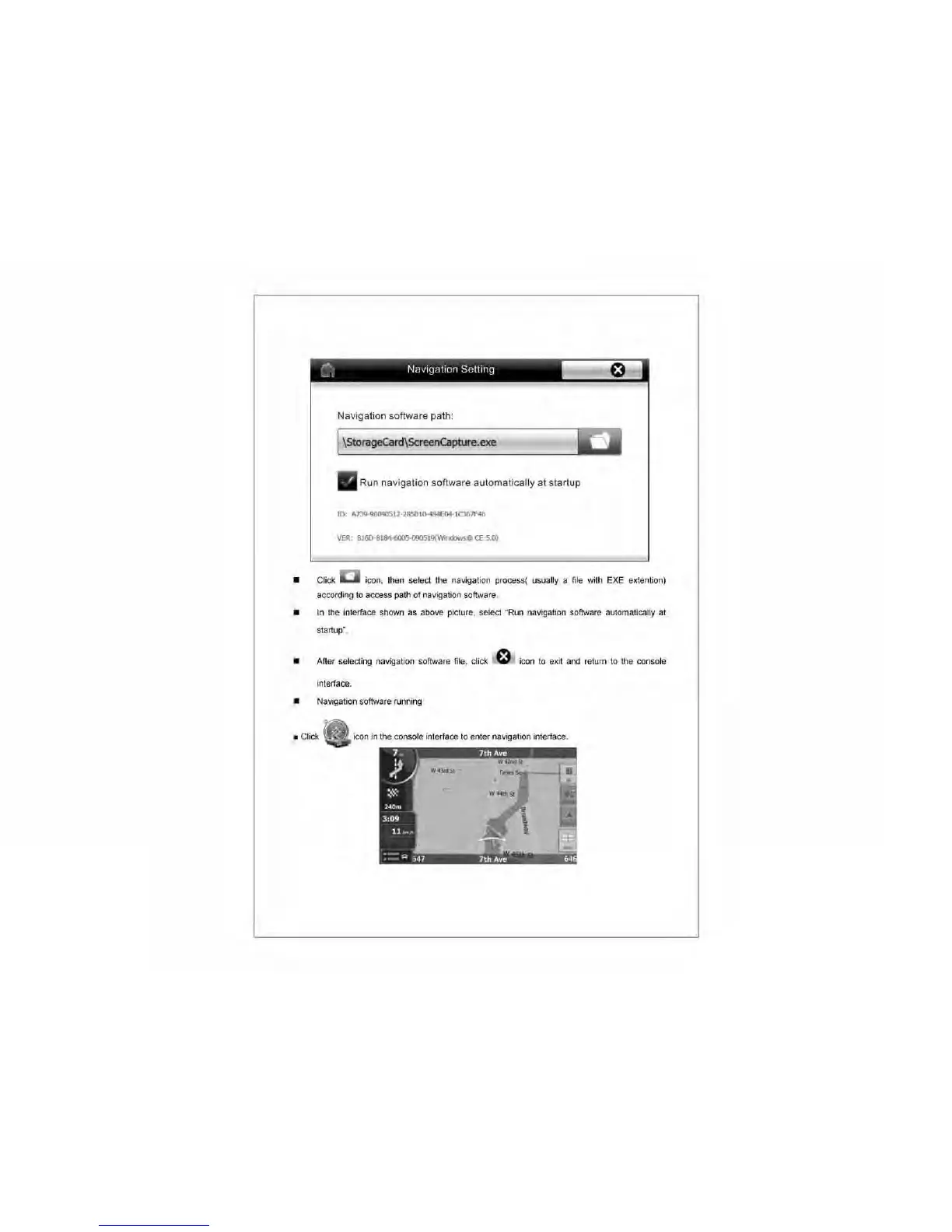
Click icon, then select the navigati
on
process( usually a
fi
le with EXE extention)
accordi
ng
to
access path
of
navigation software.
•
In
the interface shown
as
above picture, select "Run navigati
on
software automatically
at
startup".
•
After selecting navigation softwa
re
fi
le
, click
f:t
icon to exit
and
return
to
the console
interface.
• Navigation software running
• Click
icon
in
the console interface
to
enter navigation
in
terface.



 To Next Page