39
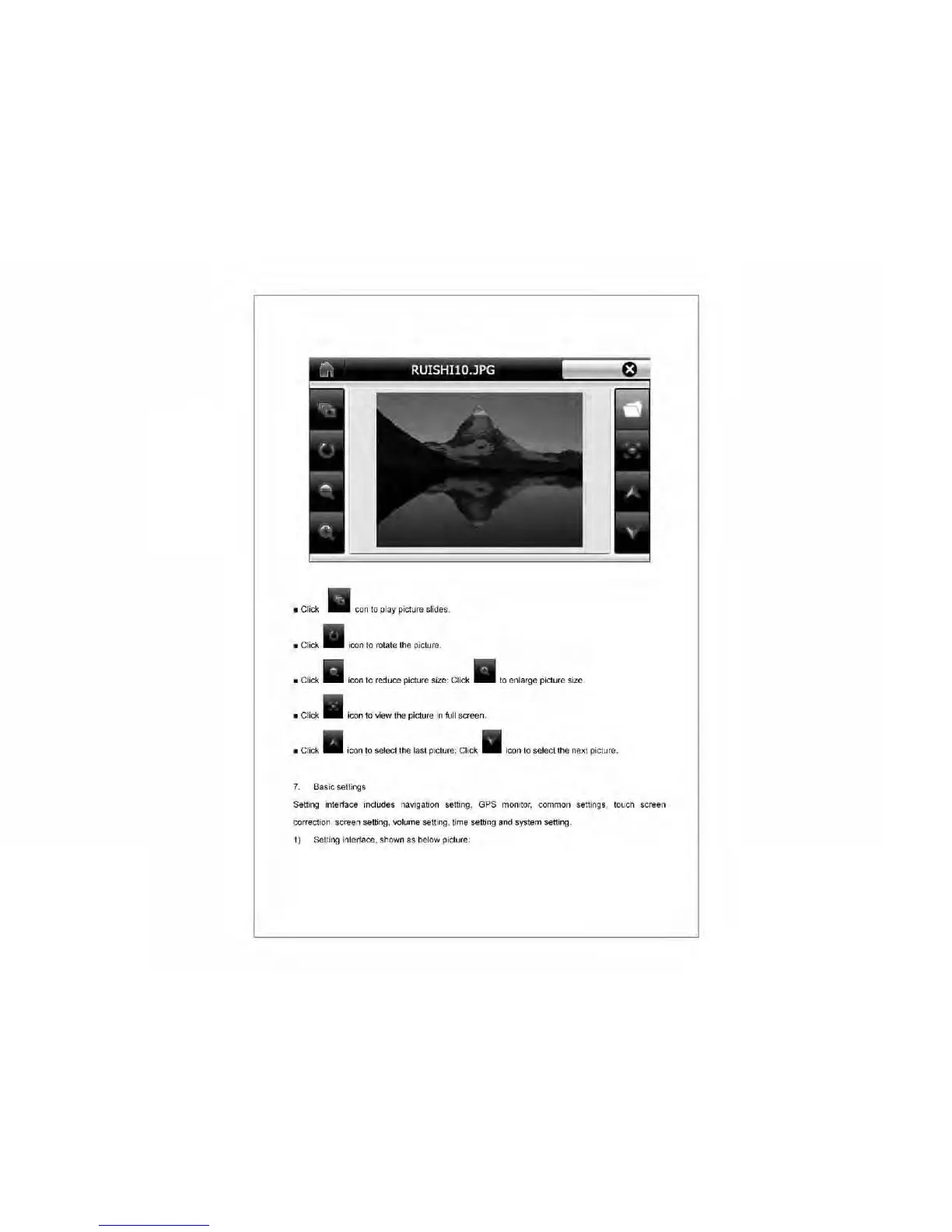
• Click
con
to
play picture slides.
• Click
icon
to
rotate the picture.
• Click
icon
to
reduce picture size: Click
to
enlarge picture size
• Click
icon to view the picture
in
full screen.
• Click
icon
to
select the last picture; Click icon
to
select the next picture.
7.
Basic
seUings
Setting intertace indudes navigation setting, GPS monitor, common settings, touch screen
correction, screen setting, volume setting, time setting
and
system setting.
1)
Setting intertace, shown
as
below picture:



 To Next Page