41
• Click "Number
of
salelliles
and
signal strength" to view the number of satellites
and
signal value
received.
• Click "longitude, latitude, time"
can
view
the
corresponding situation.
3)
Common sellings
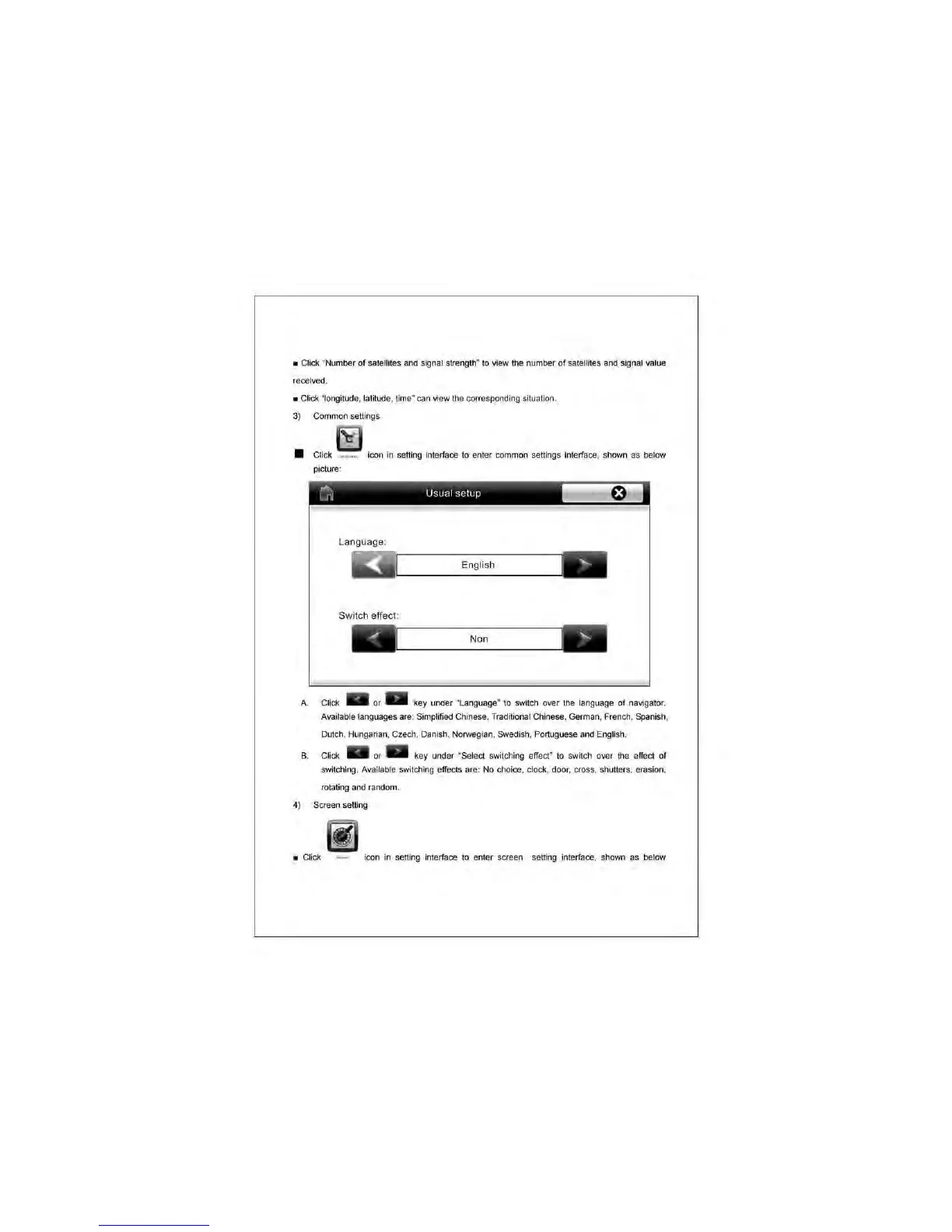
• Click
__
Icon
in
selling interface to enter common settings interface, shown as below
picture;
A.
B.
~
Usual
setup
~,
Language:
English
Switch
effect:
NO'
Cl
ick _ or _ key under "Language" to swrtch over
the
language of navigator.
Available languages are: Simplified Chinese, Traditional
Ch
inese, German, French, Spanish,
Dutch. Hungarian. Czech, Danish, Norwegian, Swedish, Portuguese
and
English.
Click _ or _ key under "Select
swi
tching effect" to
sw~ch
over the effect of
switching.
Ava
ilable switching effects are:
No
choice, clock, door, cross, shutters, erasion,
rotating
and
random.
4) Screen selling
•
Cl
ick
icon in selling
in
terface
to
en
ter screen selling interface, shown as below



 To Next Page