Spartan 821/721 Manual Display Overview 17
Live Tab
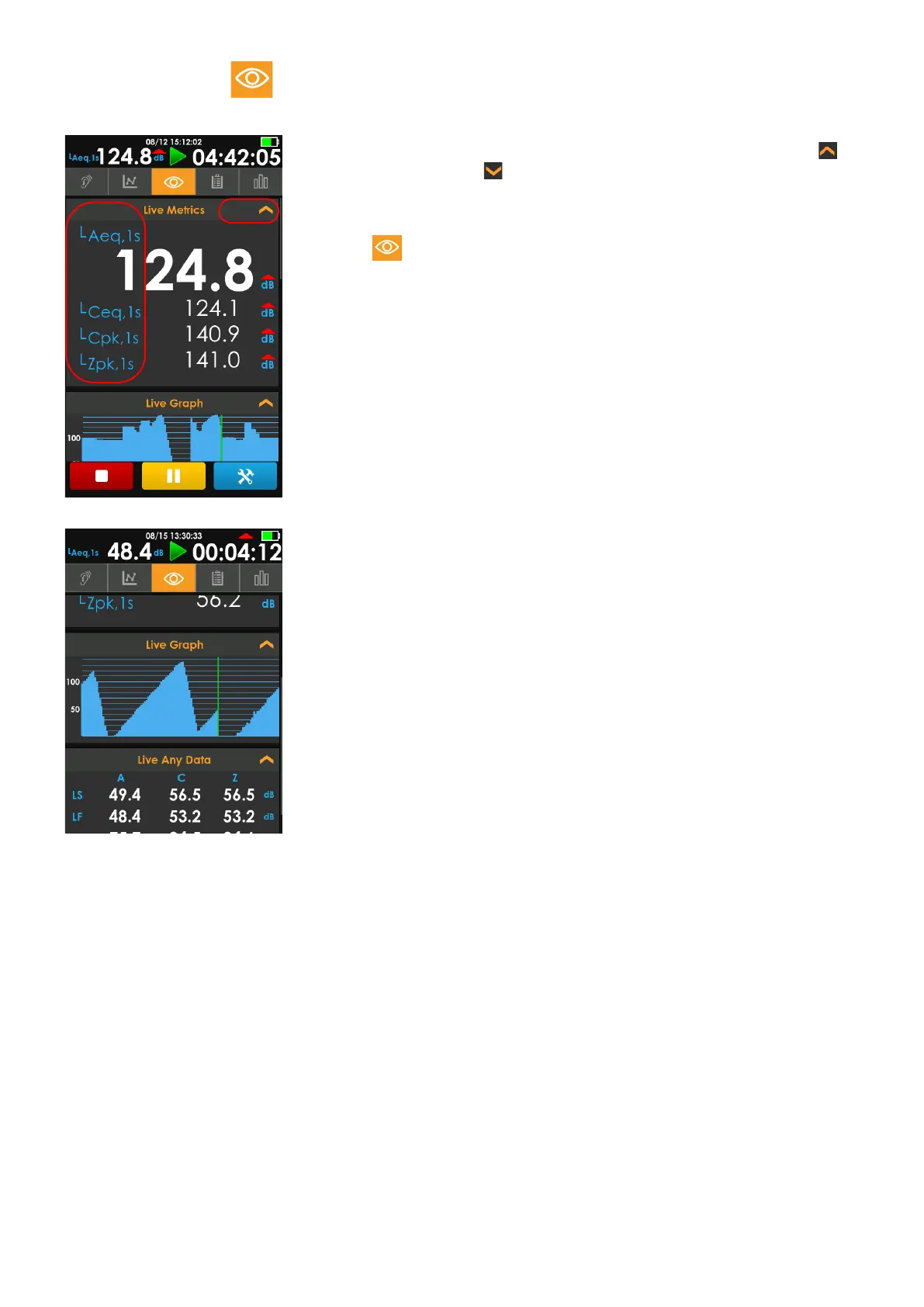
FIGURE 2-9 Live Tab Screen, Example
FIGURE 2-10 Live View Info Cards
1. The Live Metrics info card is expanded in this figure; you can tap to
collapse the card and tap to expand it.
2. In many places in the display, you may choose which metrics you wish
displayed. Tap the metric label and select from the list popup.
With the Live tab active, on the Live System card, you can view the
estimated battery run time, battery percentage, power source, and other
current system details.
The data on the display updates once per second. When the meter is stopped,
the Live data will continue to update while the other tabs will display the data
from the current measurement.
The green vertical line on the Live Graph indicates the most recent sample
from the meter.



 To Next Page