Spartan 821/721 Manual Dosimetry Settings 30
3.7 Dosimetry Settings
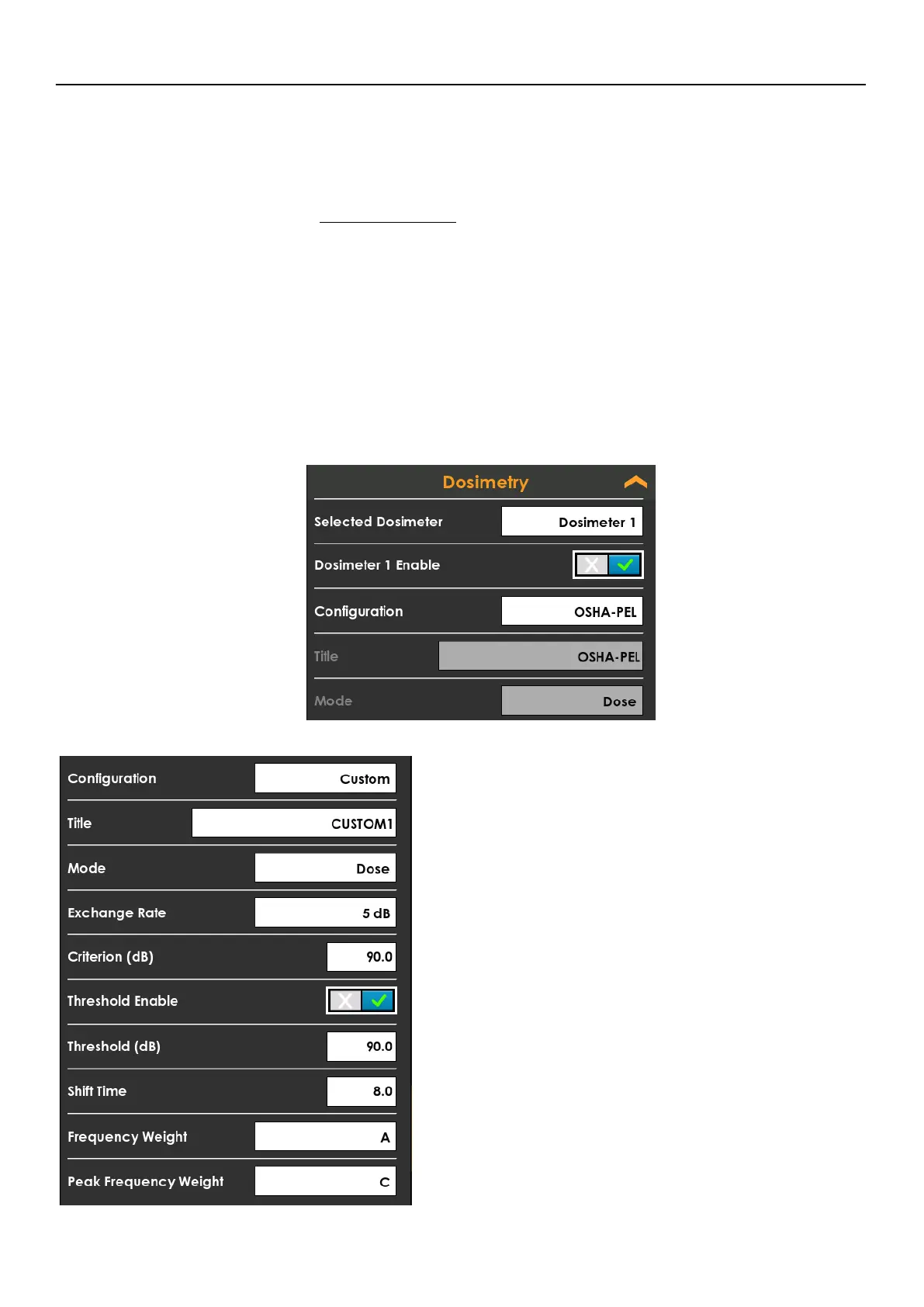
Tap to expand the Dosimetry card to add and remove dosimeters. Tapping the Selected
Dosimeter, you can choose which of the four dosimeters to enable, disable and modify.
Each dosimeter has the following options. While disabled, the meter will not display the
dosimeter card. To see a virtual dosimeter on the meter ensure that it is enabled in these
settings. See Noise Dose (Dose)
• Dosimeter # Enable
Where # is the currently selected dosimeter. When enabled, the other options
will become visible to configure this dosimeter. The meter will record the
necessary details for compliance with the chosen standard when selecting the
associated Configuration. The remaining fields will be disabled.
You may select a Custom configuration that will allow you to change the other
fields. When you choose a Configuration other than Custom, remaining values
on the Dosimetry card are supplied according to the standards described in
Table 3.1.
The 721/821 Virtual Dosimeters use a “Slow” exponential detector.
FIGURE 3-5 Custom Dosimeter
• Criterion (dB)
• Title
You may set the name of the custom
configuration. G4 and LD Atlas displays this in the
data file view under the Summary tab for Virtual
Dosimeters.
• Mode
Choose between Dose and ISO modes.
• Exchange Rate
Choose from 3 dB to 6 dB. This value is only used
when you choose Dose from the Mode selection.
The Exchange Rate defines the ratio of exposure
time to level. For example, if you choose 5 dB for
this setting, and the sound field is constant, this
means that an increase of 5 dB in the Time-
Weighted Average (TWA) would result in the dose
being doubled. A decrease of 5 dB in the TWA
would result in the dose being 50% less



 To Next Page