Spartan 821/721 Manual Mode Control Settings 29
3.6 Mode Control Settings
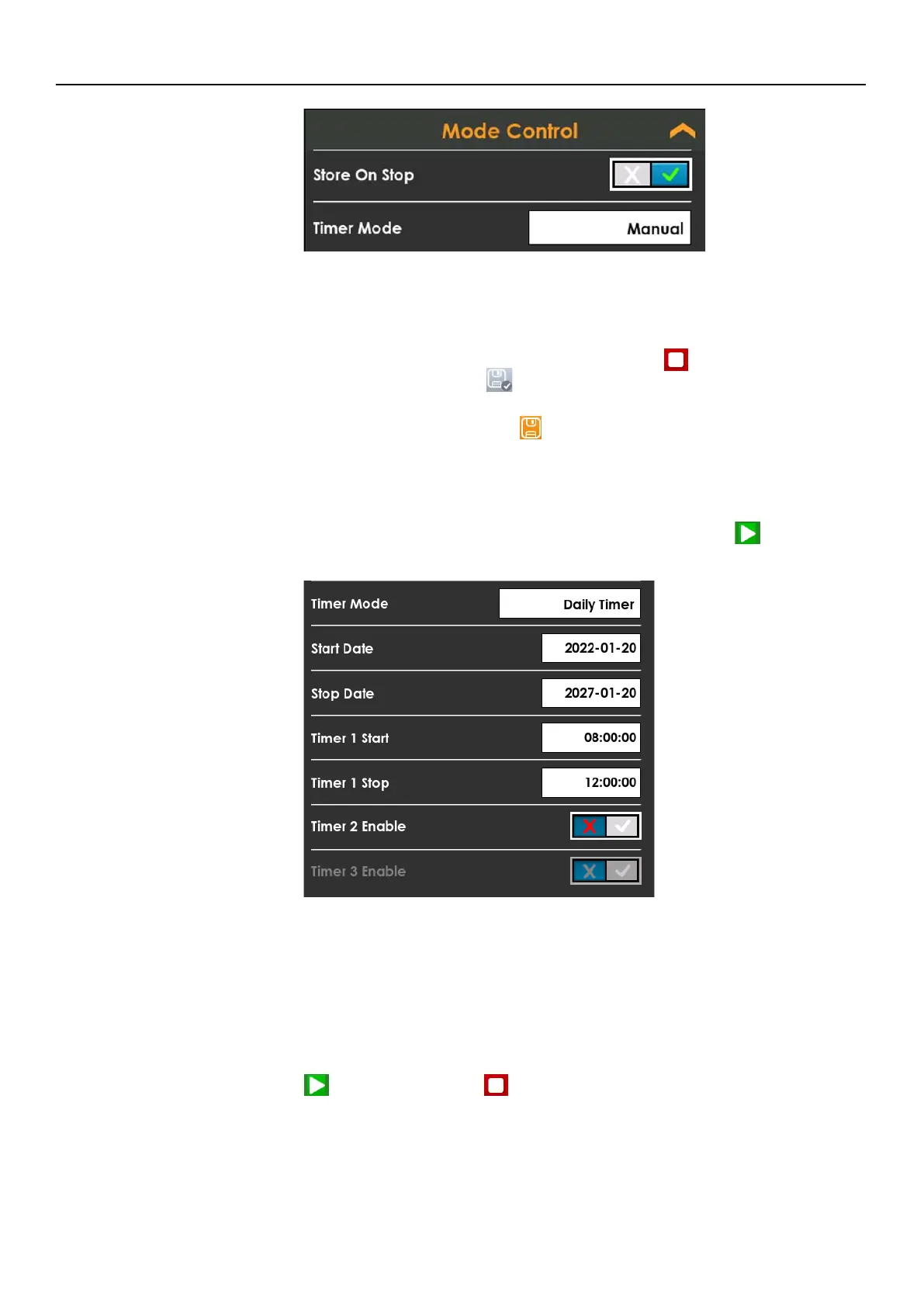
• Store On Stop
With this setting enabled, the meter automatically stores the current
measurement data when you tap the Stop button or when a measurement
ends. The Stored button verifies the file is saved.
When Store On Stop is not enabled, select the Stop button once to end the
measurement, then tap Store to save measurement data.
• Timer Mode
Manual (Default): You begin and end measurements with the Run, Stop, Pause
buttons.
Timed Stop: Enter a value for Duration (hh:mm:ss). Tap Run to begin.
Daily Timer: Each timer will trigger once per day between the Start and Stop
dates. Enter the Start and Stop dates for the timer cycle to begin and end. By
selecting the Daily Timer mode at least one Timer will trigger daily. The Start
and Stop for each Timer may not overlap with the previous Timer. The meter
has the capacity to enable one, two, or three daily timers simultaneously.
TAKE NOTE The meter rejects duplicate Timer Start/Stop entries, and Timer 3 is
not available when Timer 2 is disabled.
Continuous: The meter runs continuously and saves measurement data
periodically according to the value you select for Auto-Store Interval. Tap Run
to begin and Stop to end a continuous measurement. The meter
automatically starts running on power up with this mode enabled.



 To Next Page