Basic Operations
Power On/Off
Method 1:
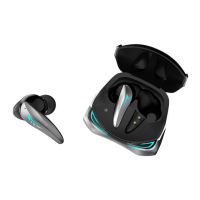
Open the charging case and remove the earbuds to turn them on
automatically.
Place the earbuds into the charging case and close it to
automatically turn them off.
Method 2:
Press and hold the button for 3 seconds to turn on.
Press and hold the button for 5 seconds to turn off.
Play/Pause music
Tap the left/right earbud twice to play or pause the music.
Volume Up/Down
Double tap the left earbud to decrease the volume.
Double tap the right earbud to increase the volume.
Select the next/previous Song
Tap the left earbud 3 times to go back to the beginning of the song
and then quickly press 3 times again to skip to the previous song.
Tap the right earbud 3 times to skip to the next song.
Answer/Hang Up phone call
When there is an incoming call. Tap the left or right earbud twice to
answer the call.
Tap twice again to end the call.
EARBUDS
7



 To Next Page