Description
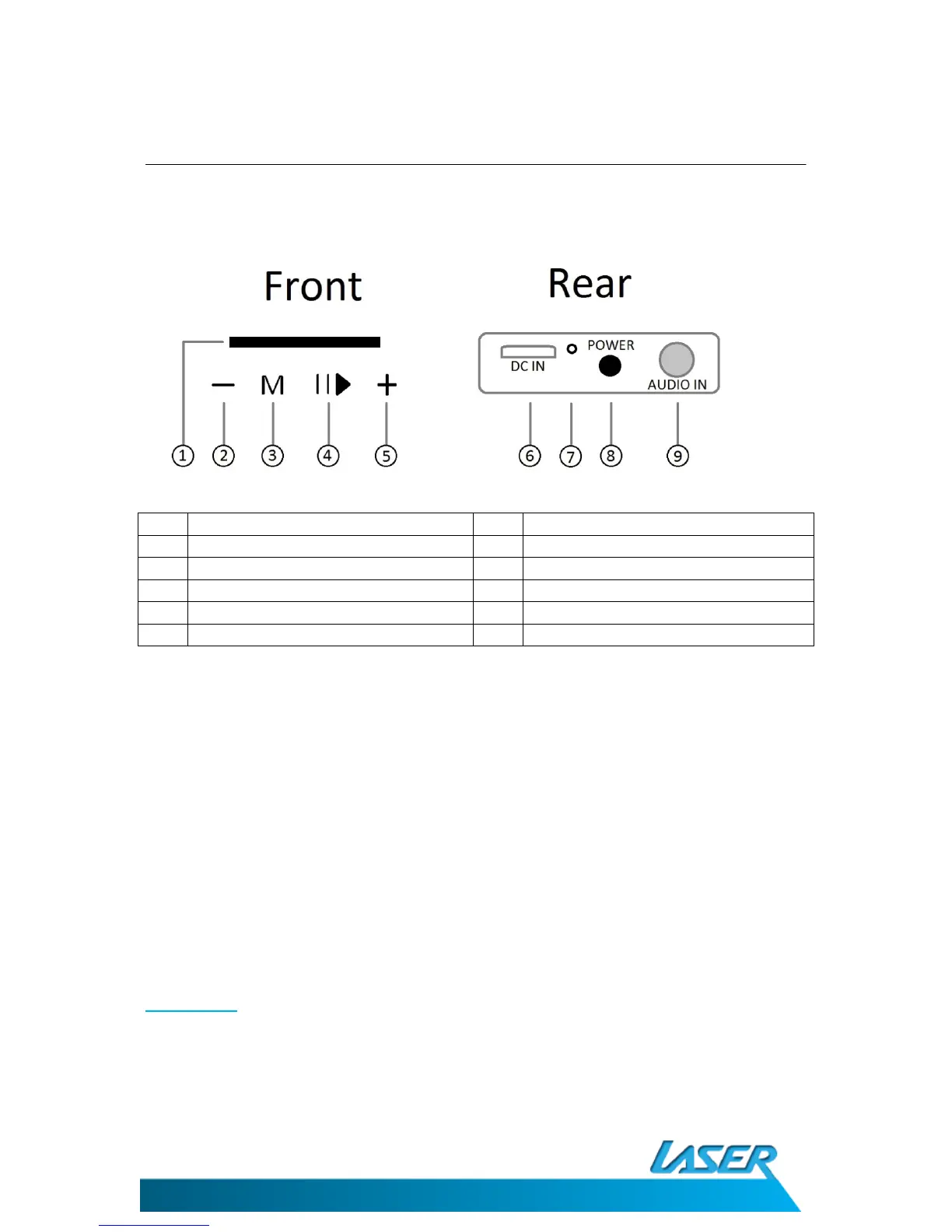
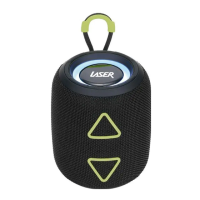
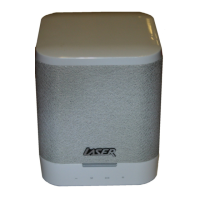
1 Pairing key 6 DC input (micro USB)
2 Volume Down button 7 Charging LED
3 Mode button 8 Power on/off switch
4 Pause/Play button 9 Audio in (3.5mm stereo)
5 Volume up Button
WHAT’S IN THE BOX
1) SPK-BT206 x 1
2) Micro USB power cable
3) 3.5mm to 3.5mm AUX Input cable
4) User Manual (this Document)
INTRODUCTION
Introduction
Thank you for purchasing the SKP-BT206 wireless speaker with duo option. This speaker can
be used as a mono speaker paired to any device with a Bluethooth audio feature, such as
mobile and smart phones as well as Bluetooth enabled tablets. It can also be paired with a
second SPK-BT206 speaker (sold separately) for true wireless stereo sound.


 To Next Page