28
ON
2 sec
OFF
2 sec
1.
2.
Flashlight
14
The ashlight is switched on and off by pressing button 9.
Activate/deactivate Bluetooth
15
Bluetooth is activated and deactivated by long-pressing button 9.
Hold function
16
The "Hold" function enables you to keep the current measured
value on the display. Press the "HOLD" (10) button to activate and
deactivate the function.
LCD-Backlight
17
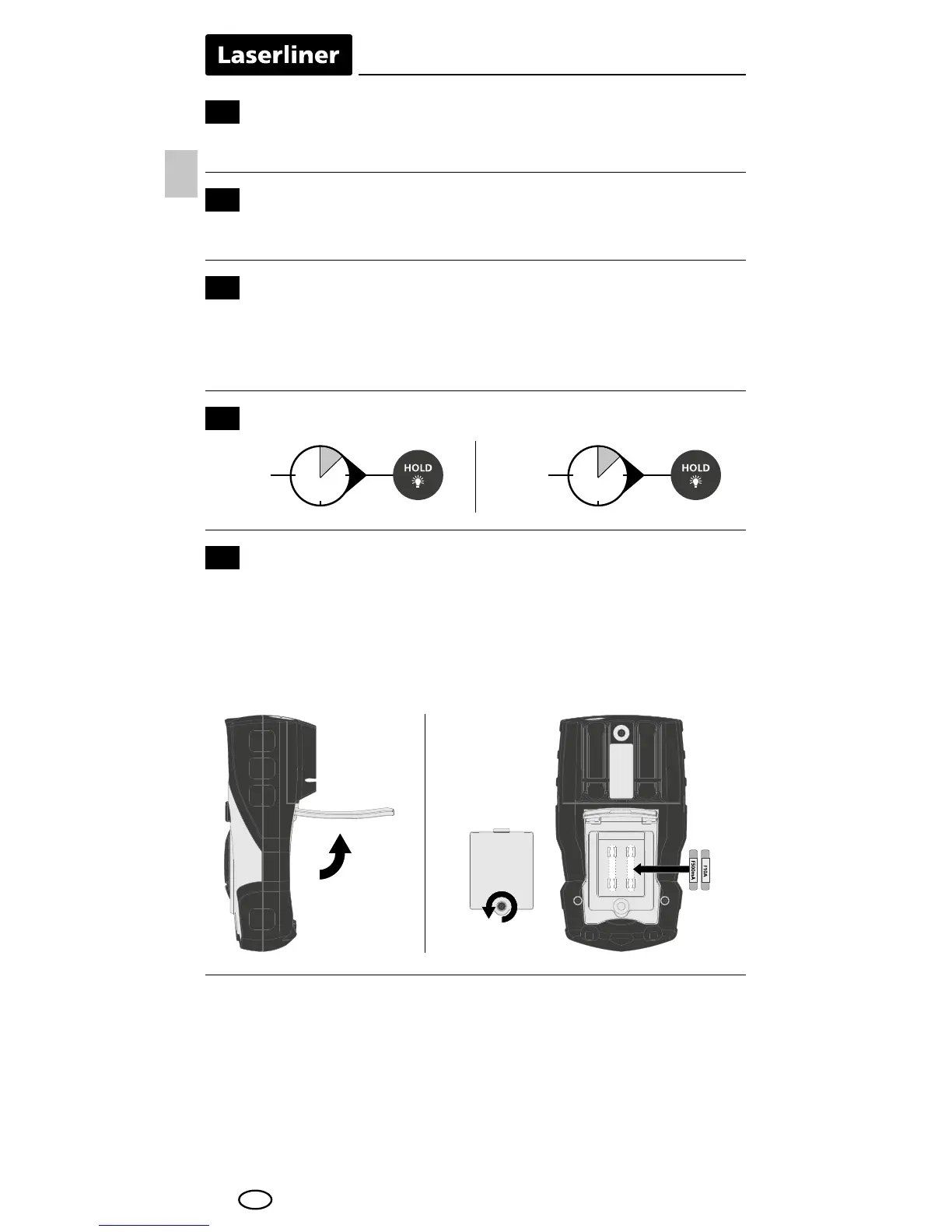
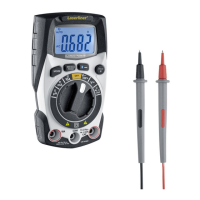
Replacing the fuse
18
To replace the fuse, rst disconnect the test prods from their voltage
source and then from the device. Open the housing and replace the
fuse with one of the same type and specication (10A / 600V or.
500mA / 600V). Close the housing and carefully screw the meter
back together.
Information on maintenance and care
Clean all components with a damp cloth and do not use cleaning
agents, scouring agents and solvents. Remove the battery(ies)
before storing for longer periods. Store the device in a clean and
dry place.
EN




 To Next Page