10
11
3
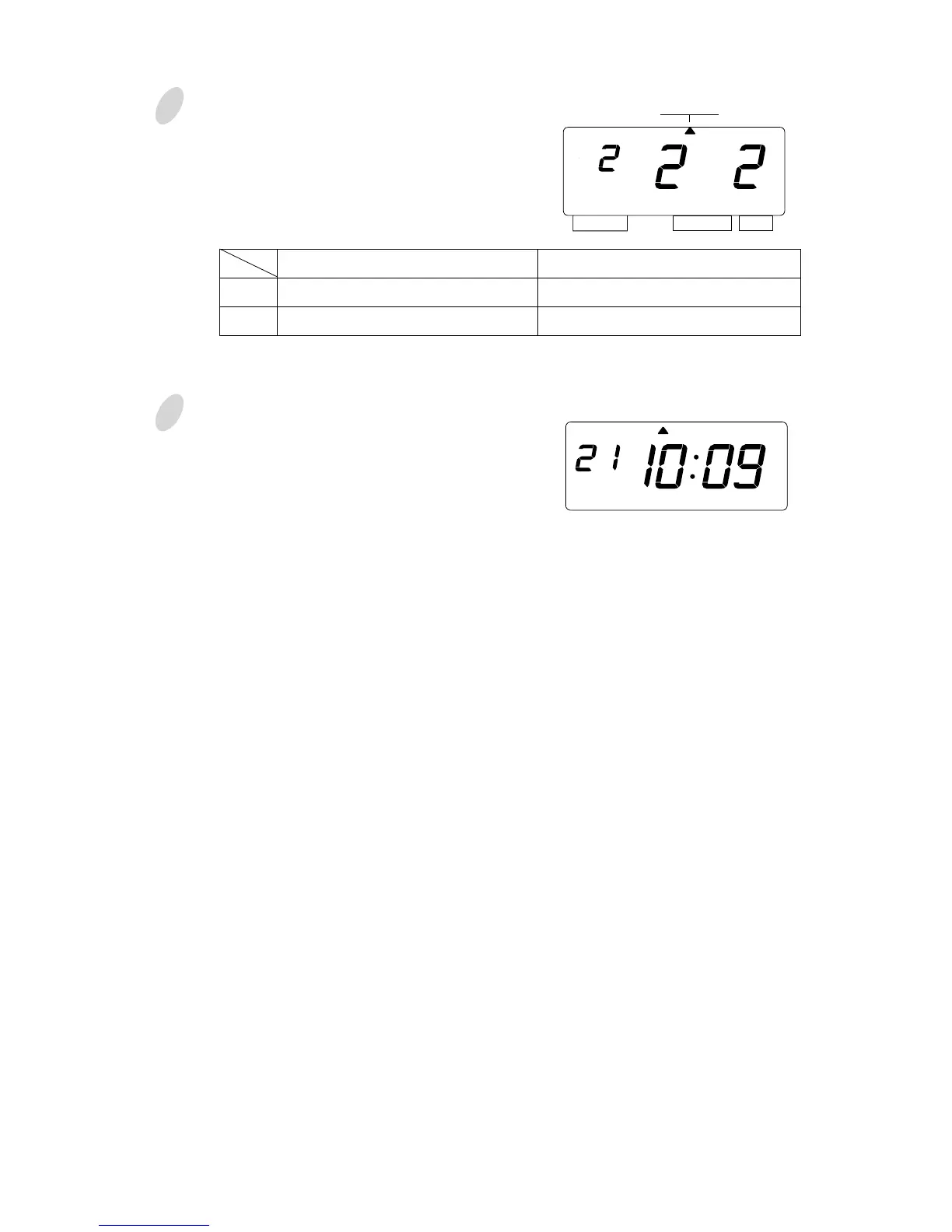
Change the "Leading Zero".
In case of the example, press the
[CHANGE] button to set at "2". And
then press the [SET] button.
4
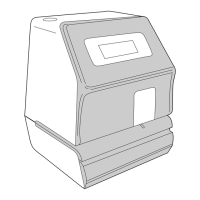
After you finish setting the print
pattern, press the [SET] button once
again.
Now the print pattern setting has been
completed. Replace the cover and
lock.
Important: If you do not complete Step
4, the Time Recorder will not print.
1.
2.
Leading Zero
ZERO Disabled
ZERO Enabled
Print Example
JAN 1 3:00
JAN 01 03:00
SELECT CHANGE SET
PRINT
PATTERN
MO TU WE TH FR SASU



 To Next Page