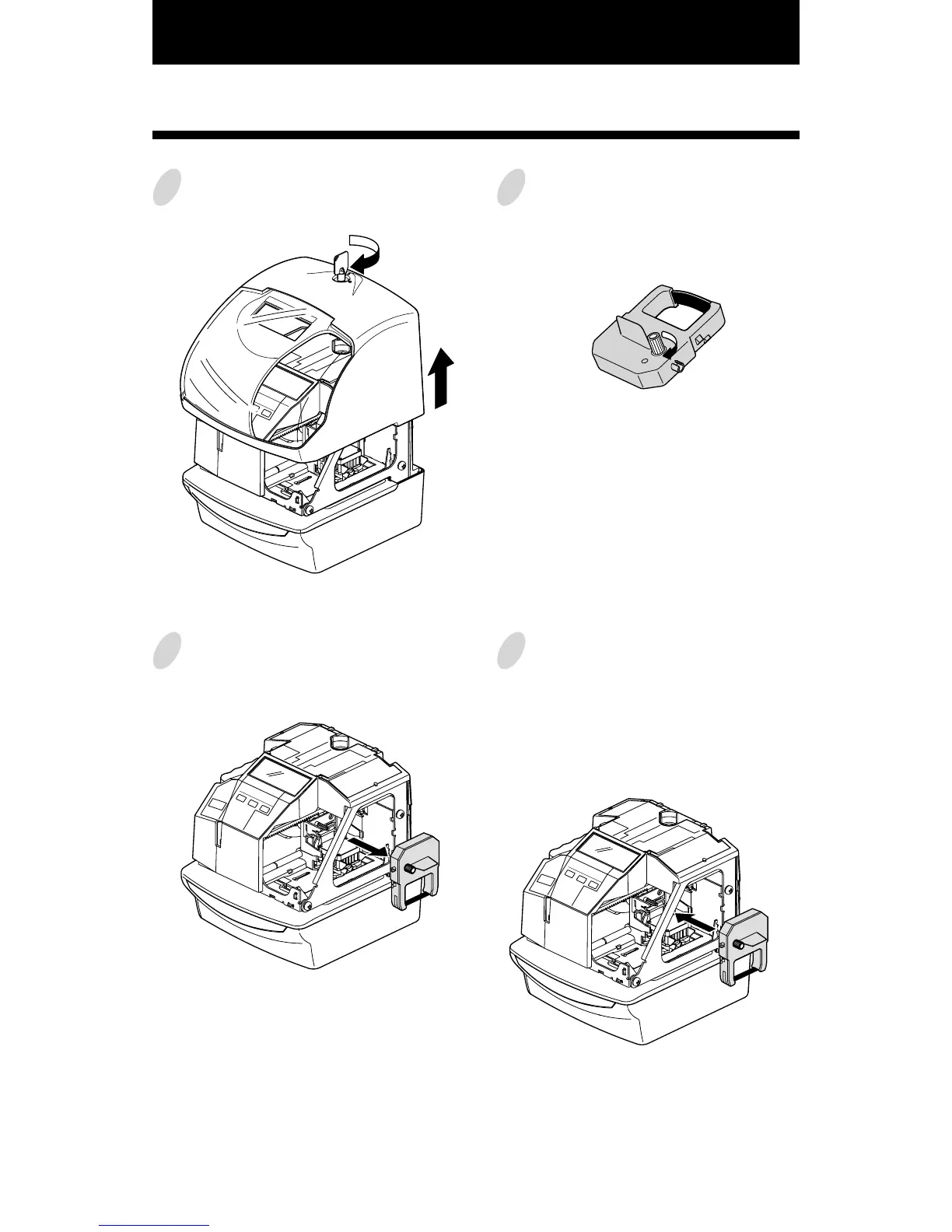
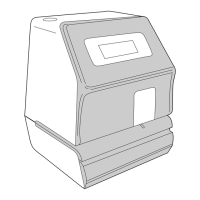
24. REPLACING THE RIBBON CASSETTE
46
45
1
Unlock the key and remove the cover.
2
Hold the ribbon cassette by its tab and
pull straight out to remove it.
3
Turn the knob of the new cassette in
the direction of the arrow (clockwise)
to tighten the ribbon.
4
Place the cassette inside the Time
Recorder as shown in the figure. Push
the ribbon until it snaps into position.
Turning the knob on the ribbon
cassette may make installation easier.



 To Next Page