42
41
1
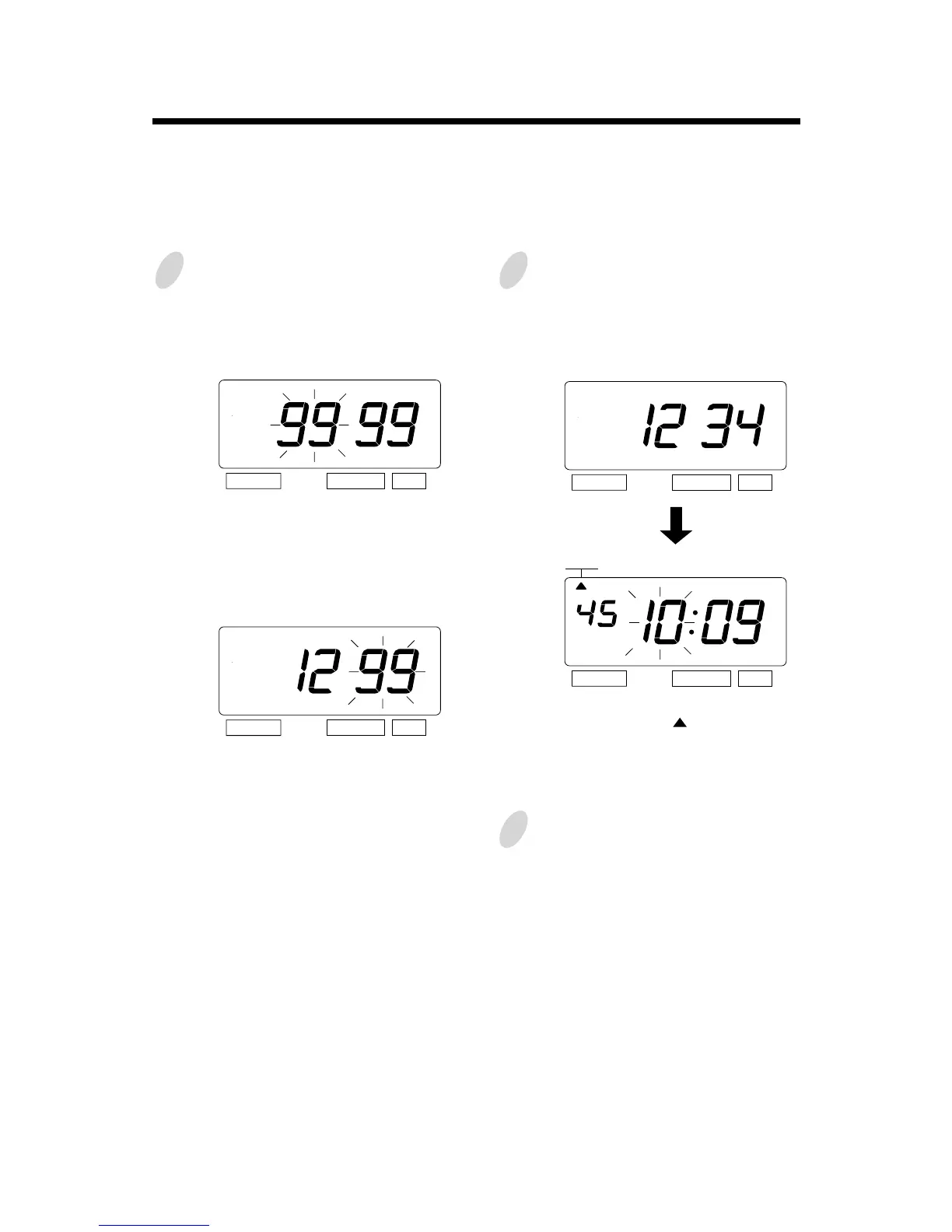
Press the [SELECT] button, at that
moment "9999" is displayed and the
first two digits flash.
(The flashing means it can be changed.)
Set the first tow digits.
In the example, press the [CHANGE]
button to set at "12". And then press
the [SET] button.
At that moment, the flashing changes
to the last two digits.
2
Set the last two digits.
In case of the example, press the
[CHANGE] button to set at "34". And
then press the [SET] button.
At that moment, the " " mark indicates
the "TIME".
3
Select desired setting mode by
pressing the [SELECT] button.
Once the password is set, you have to enter the password for changing any setting.
"9999" will be displayed when you press the [SELECT] button.
Example: Password "1234"
How to change settings when the Password is set
SELECT CHANGE SET
SELECT CHANGE SET
SELECT CHANGE SET
SELECT CHANGE SET
TIME



 To Next Page