LAUNCH X-431IV English User’s Manual
19
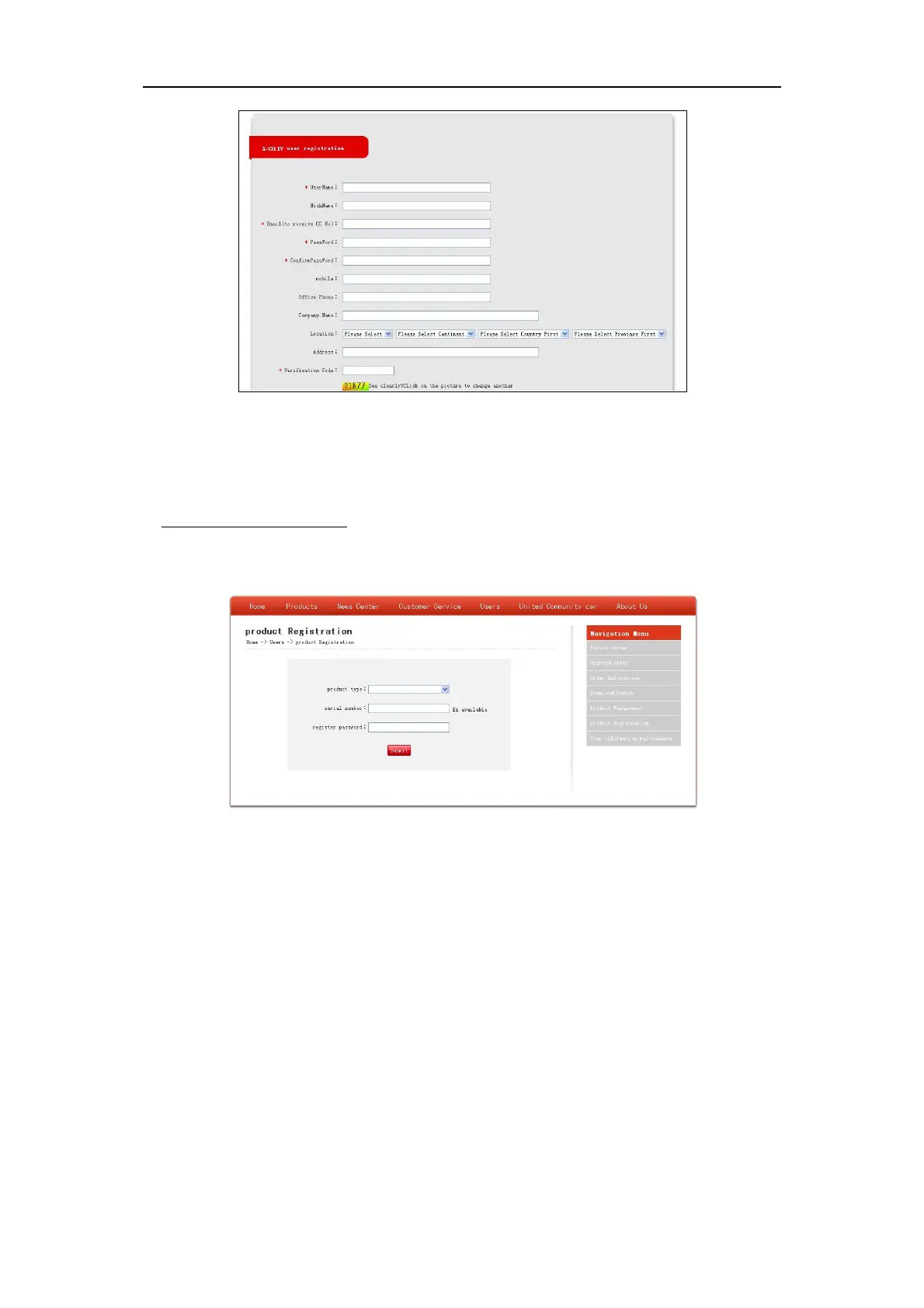
Figure 4-2
Fill in your information (items with * can not be blank and must be entered). After filling, click [Confirm
& Agree Next Terms] to register a passport. The system will send a CC number to your email
immediately.
If you are a registered member, input your CC number or user name and password, then click [login]
to enter product registration.
4.1.2 Fill in Product Information
Figure 4-3
Choose the desired product type from the pull-down list. The serial No. is marked on the back of your
X-431 IV. The registration password is in an envelope delivered with the product (the number must be
kept confidential). Vender code can be found on the last page of the user’s manual.
After the information is filled, click “Submit” to register your product.
Note: If the filled serial No. or registration No. is invalid, the screen will display a wrong
message. Click “OK” button to return to the previous interface to re-fill the correct numbers.



 To Next Page