LAUNCH X-431IV English User’s Manual
28
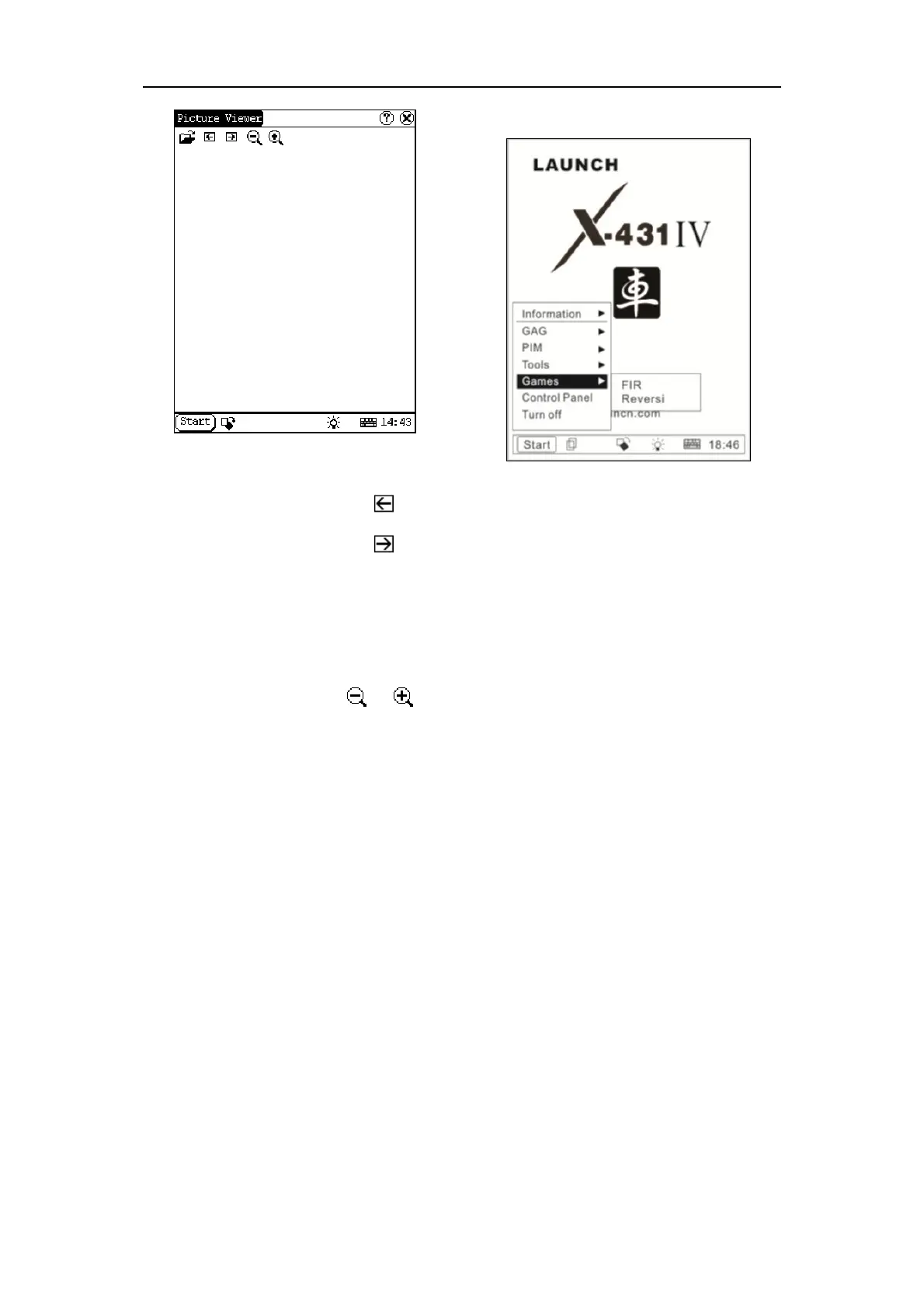
Figure 5-10
Browse the pictures in current directory
1) In the Picture interface, click
icon on
the top to browse the previous picture.
2) In the Picture interface, click
icon on
the top to browse the next picture.
Note:
This operation is needed only when more
than one picture has been stored.
Zoom in and zoom out:
In the Picture interface, click
or icon
on the top, then you can zoom in or zoom out
the current picture at will.
5.2.2 Game
Figure 5-11
1) Click [Start] button.
2) Select ‘Game’ in the pop-up menu.
3) Select the function in the pop-up
submenu. (See Figure 5-11)
5.2.2.1 FIR
1) In the pop-up submenu of ‘Game’, select
‘FIR’ to open the Chess Board.
2) Click black or white chessman to begin
the game. The one who select the black
chessman will start first. (See Figure
5-12)
Rules for the game:
You must try to make your five chessmen line
up and prevent your opponent from achieving
this goal in the process. The one whose 5
chessmen are lined up first is winner. You can
choose the black or white chessman at the
bottom of the Chess Board before starting
playing.



 To Next Page