LAUNCH X-431IV English User’s Manual
42
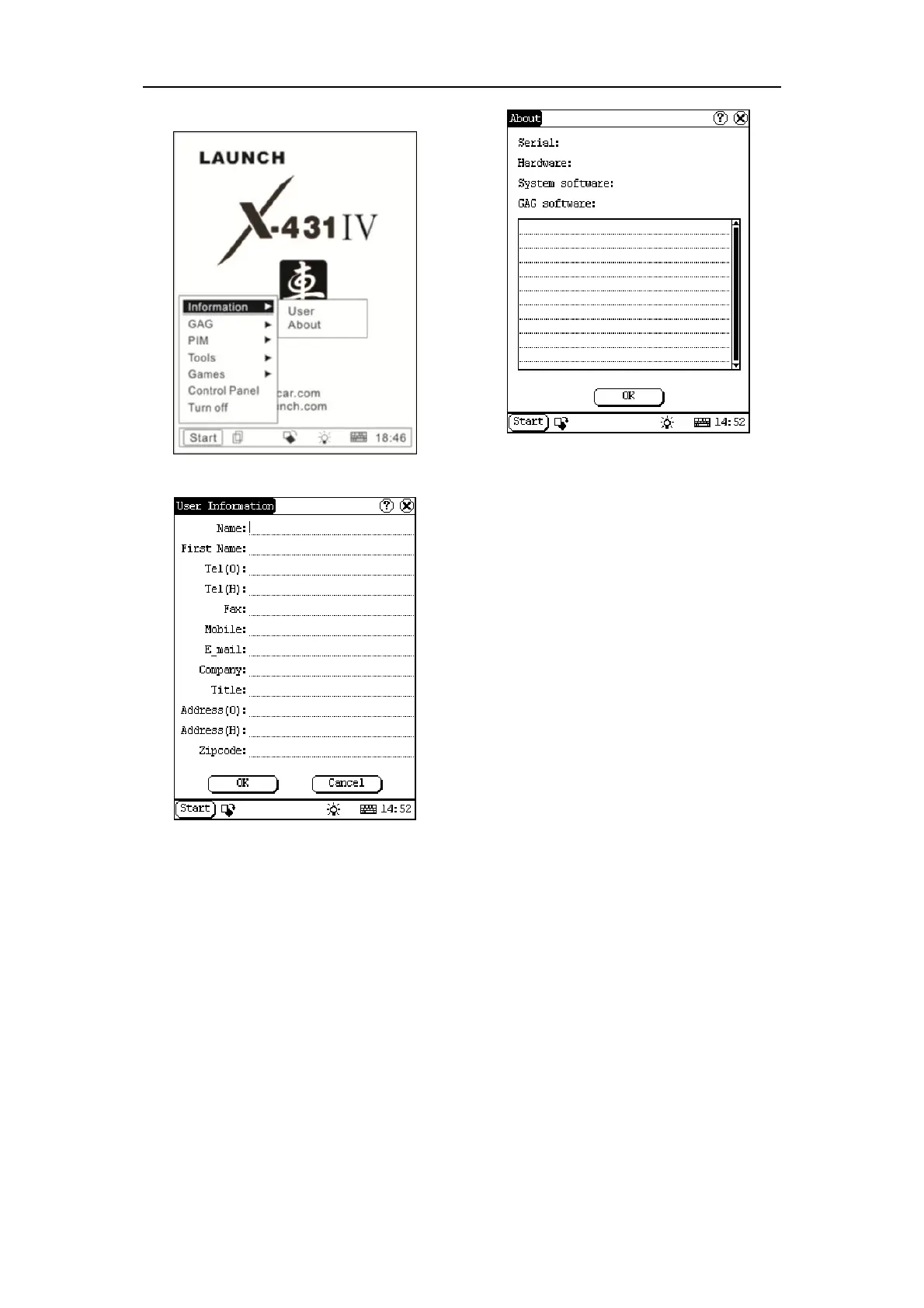
Figure 5-42
Figure 5-43
5.4.2.3 About
In ‘Information’ list, click ‘About’ to display the
information on system software and hardware,
then click [OK] button to close it. (See Figure
5-44)
Figure 5-44
5.4.3 Turn Off
Click “Turn Off” in the Start menu when you
attempt to turn off the machine.



 To Next Page