LAUNCH X-431IV English User’s Manual
25
5.1 System Information
5.1.1 User Information
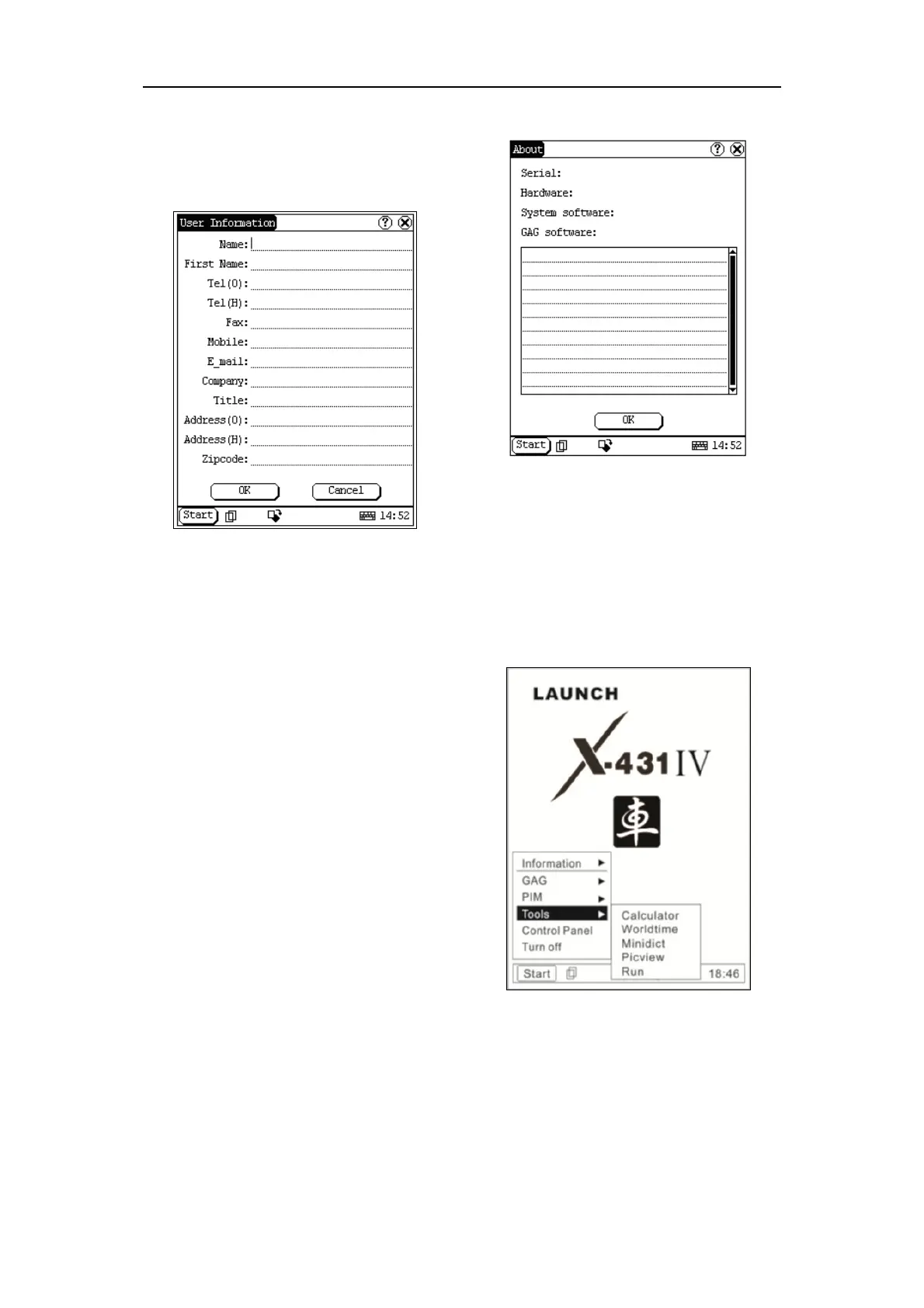
Figure 5-2
User information was input by user. Registration of
your information will better guarantee your rights
and interests.
1) Click [Start] Button;
2) Select [System Information] in the pop-up
menu.
3) Select [User Register] from the pop-up list of
[System Information] to open User
Information interface.
4) Activate soft keyboard for inputting the
information
5) Click [OK] to save and quit current interface.
5.1.2 About
Figure 5-3
Click [About] in the list of [System Information] to
display the hardware and software information of
the related system. Click [OK] to quit the about
interface.
5.2 Tools and Games
5.2.1 Tools
Figure 5-4
1) Click [Start] button.



 To Next Page