X-431 Torque User Manual
21
OBD I adaptor.
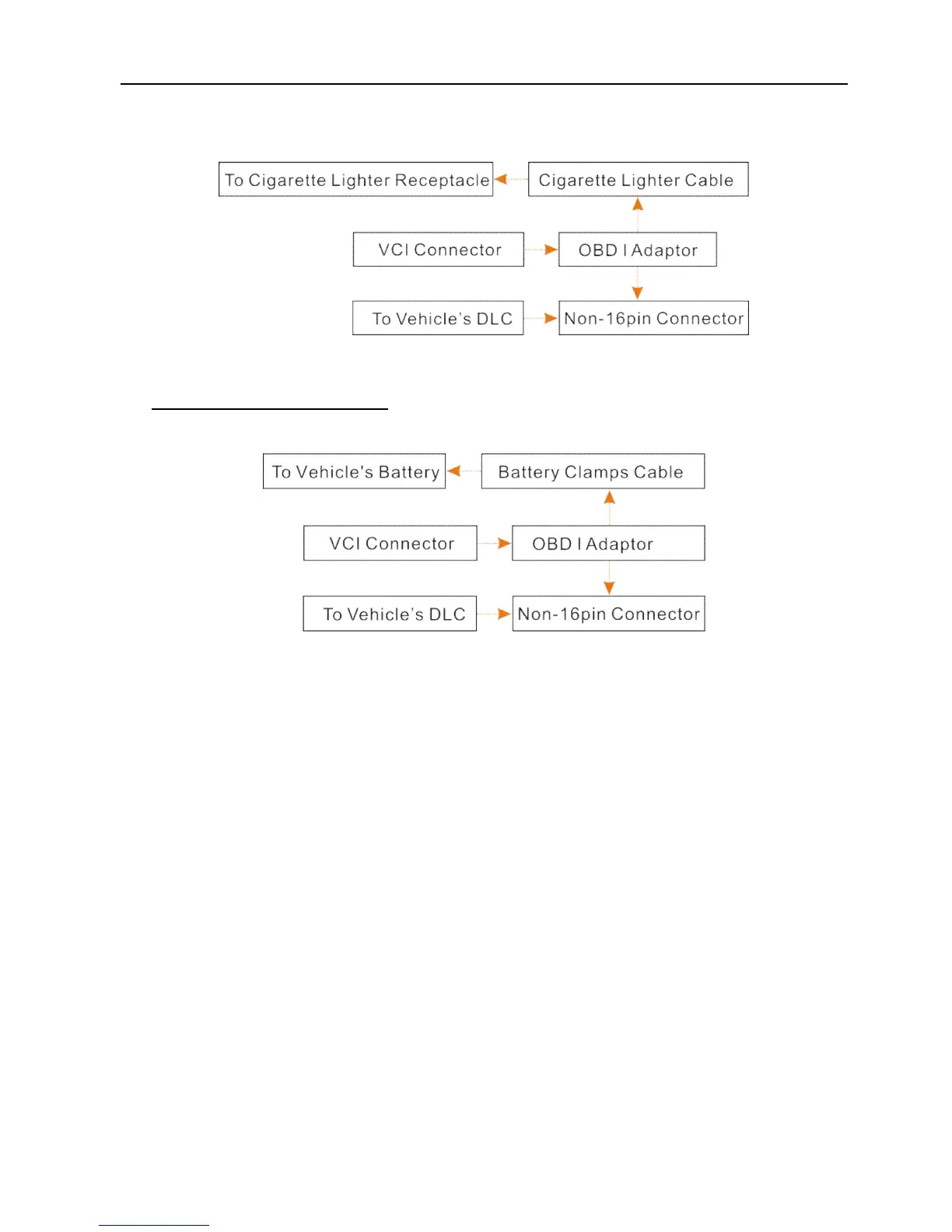
Fig. 4-11
B. Battery Clamps Cable: Connect one end of the battery clamps cable to
vehicle’s battery, and the other end to the power jack of OBD I adaptor.
Fig. 4-12
4.4 Bluetooth Setting
There are two kinds of ways available for X-431 Torque to pair with the VCI
connector.
1. Connect one end of the USB cable (optional) to the Mini USB port of the VCI
connector.
2. Connect the other end to the USB port of the PC. The power indicator of the
VCI connector lights up.
3. Enter Bluetooth setting screen by tapping “Settings” --> “Bluetooth”, slide the
Bluetooth switch to ON and X-431 Torque starts searching for all available
Bluetooth device.
4. Tap the desired VCI connector to pair and match. By default, the Bluetooth
name of the connector is 98********00 (where ******** stands for 8 digits.).
5. If the Bluetooth pair request pops up on the screen, enter the request pin
code (default code: 0000 or 1234).
6. Once the connector is paired with the X-431 Torque handset, it will be shown



 To Next Page