X-431 Torque User Manual
16
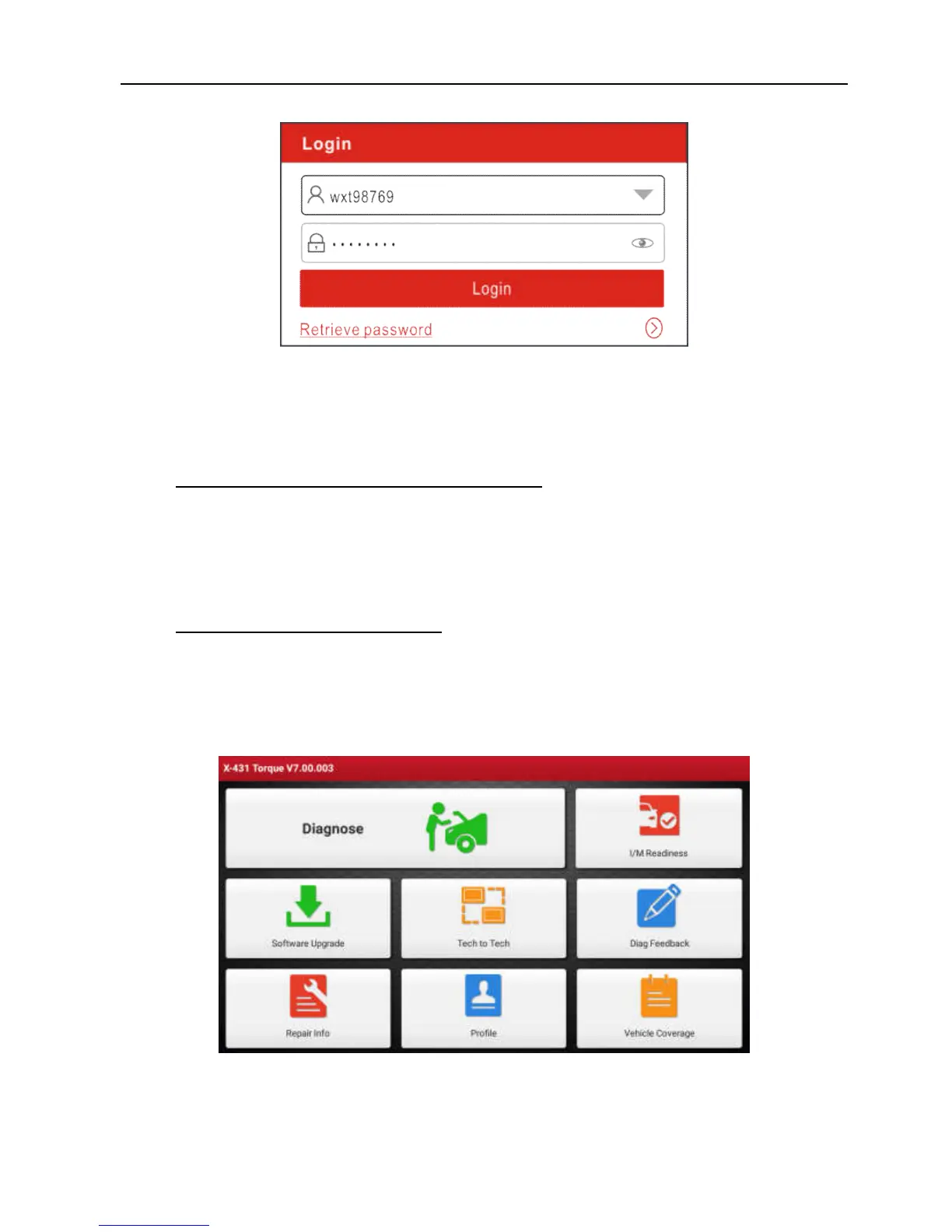
Fig. 4-7
(If you have registered to be a member, go to
a)
to login the system directly.)
(In case you forgot password, refer to
b)
to reset a new password.)
a) If you have registered to be a member, input your name and password,
and then tap the “Login” button to enter the main menu screen directly.
Note:
The X-431 Torque has an auto-save function. Once the username and
password are correctly entered, the system will automatically store it. Next time
you login the system, you will not be asked to input the account manually.
b) If you forgot the password, tap “Retrieve password” and then follow
on-screen instructions to set a new password.
4.2.2 Job menu
It mainly includes the following items:
Fig. 4-7



 To Next Page