X-431 Torque User Manual
71
System are available.
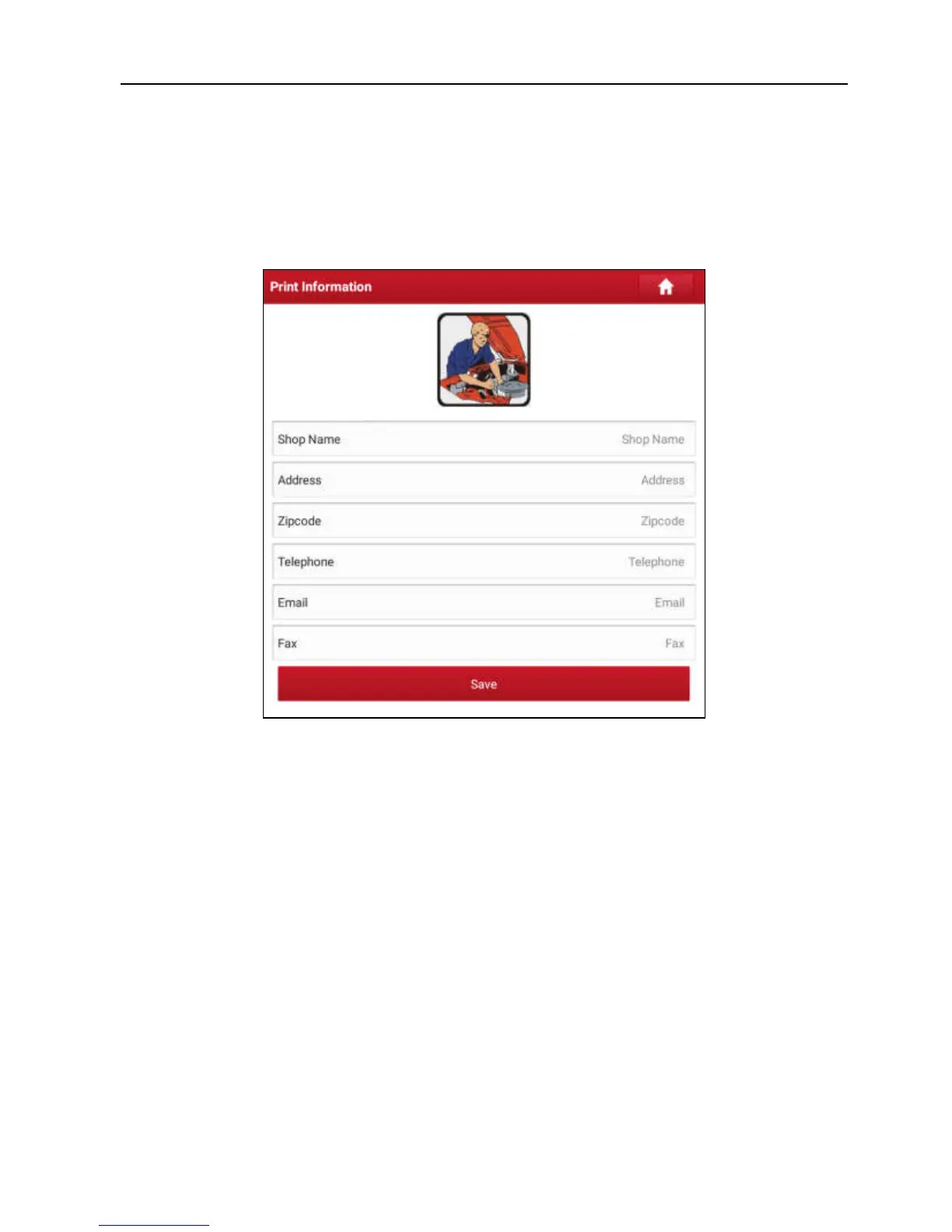
9.8.2 Print Information
This option lets you define your print information. It mainly includes Workshop,
Address, Telephone, Fax and License Plate.
Fig. 9-8
After inputting, tap “Save”.
Once you saved the print information, it will be entered automatically in the “Add
Information” box every time you save the diagnostic report.
9.8.3 Launch Printer Set
This option is designed to establish a wireless connection between X-431
Torque and the Wi-Fi printer (sold separately) while performing printing
operations.
Follow the steps below to connect the printer.
1. Tap “Launch Printer Set”.



 To Next Page