X-431 Torque User Manual
64
8 Software Update
If you did not download the software in process of product registration or a
pop-up message prompting you that some new software can be updated, you
may use this option to download it or keep it synchronized with the latest
version.
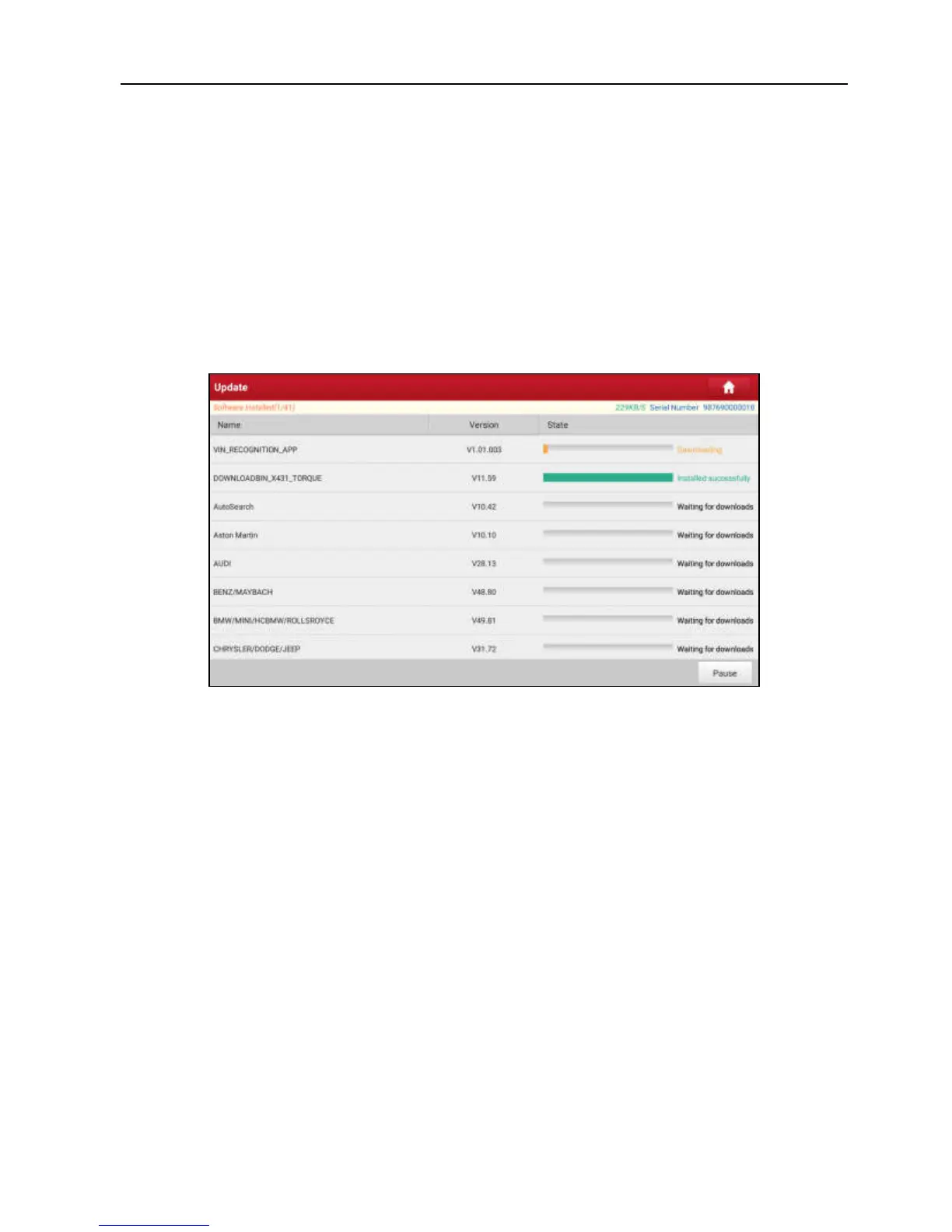
Tap “Software Upgrade” on the Job menu to enter the update center.
Fig. 8-1
By default, all diagnostic software is selected. To deselect certain software, tap
“Unselect”, and then check the box next to vehicle model. Tap “Update” to start
downloading.
It may take several minutes to finish it, please be patient to wait.
To pause downloading, tap “Stop”. To resume it, tap “Continue”. If network
connection failure occurs, tap “Retry” to try again.
Once download is finished, the software packages will be installed automatically.



 To Next Page