X-431 Torque User Manual
55
then tap “Login” to navigate to the following figure.
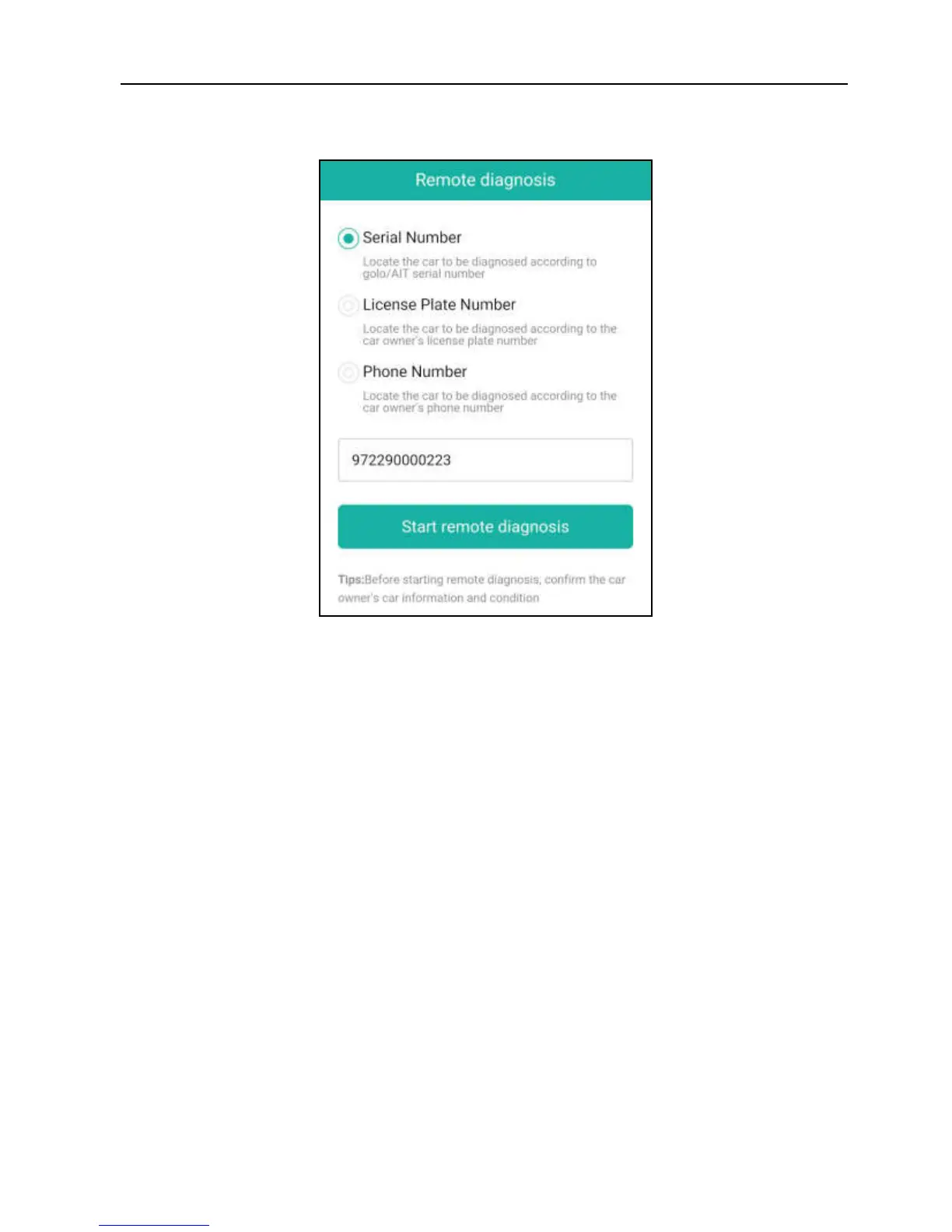
Fig. 5-38
4. Tell the partner to check the box “Series number” and enter the Serial
Number provided by you, and then tap “Start remote diagnosis” to control
your device remotely.
In process of remote diagnosis, please note the following things:
1) You are not suggested to execute any actions.
2) The partner is not allowed to save any diagnostic reports or records on
your handset.
The operations in remote diagnosis are same as those in local diagnosis. Once
the session is complete, a remote diagnostic report will be automatically
generated.



 To Next Page