X-431 Torque User Manual
66
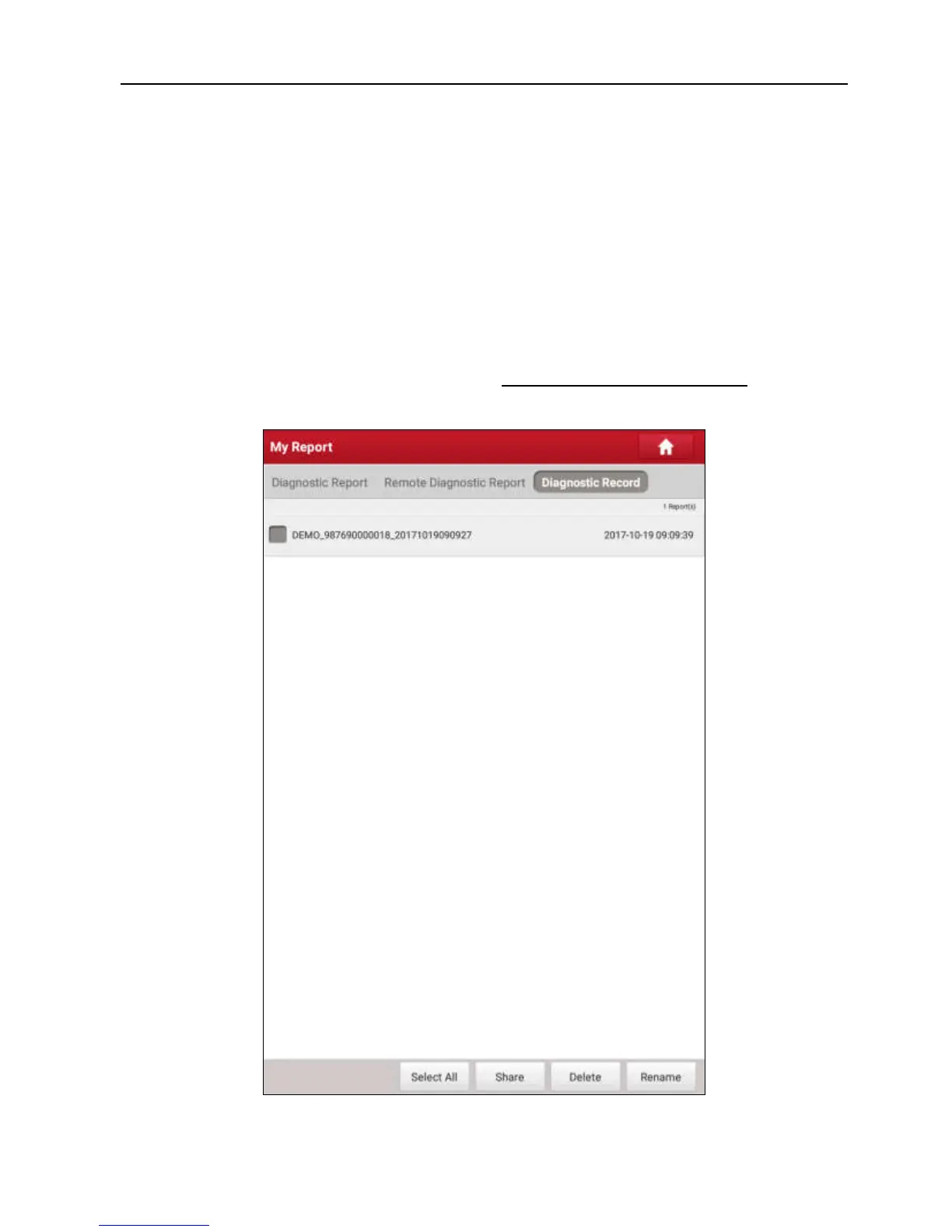
• To select certain report, check the box before the report. To select all reports,
tap “Select All”. To deselect all, tap “Unselect”.
• To share the report with others, select the desired one and then tap “Share”.
• Select the desired report and then tap “Delete” to delete it.
• To change the filename of report, tap “Rename”.
• Tap “Filter” to exactly locate the desired diagnostic report. Input the keyword
and tap “OK” to start searching. Once it is found in the diagnostic reports, all
the diagnostic reports matching this keyword will be listed on the screen.
If user records the running parameters while reading data stream, it will be
saved as .x431 file and appear under
Diagnostic Record
tab.
Fig. 9-2



 To Next Page