X-431 Torque User Manual
68
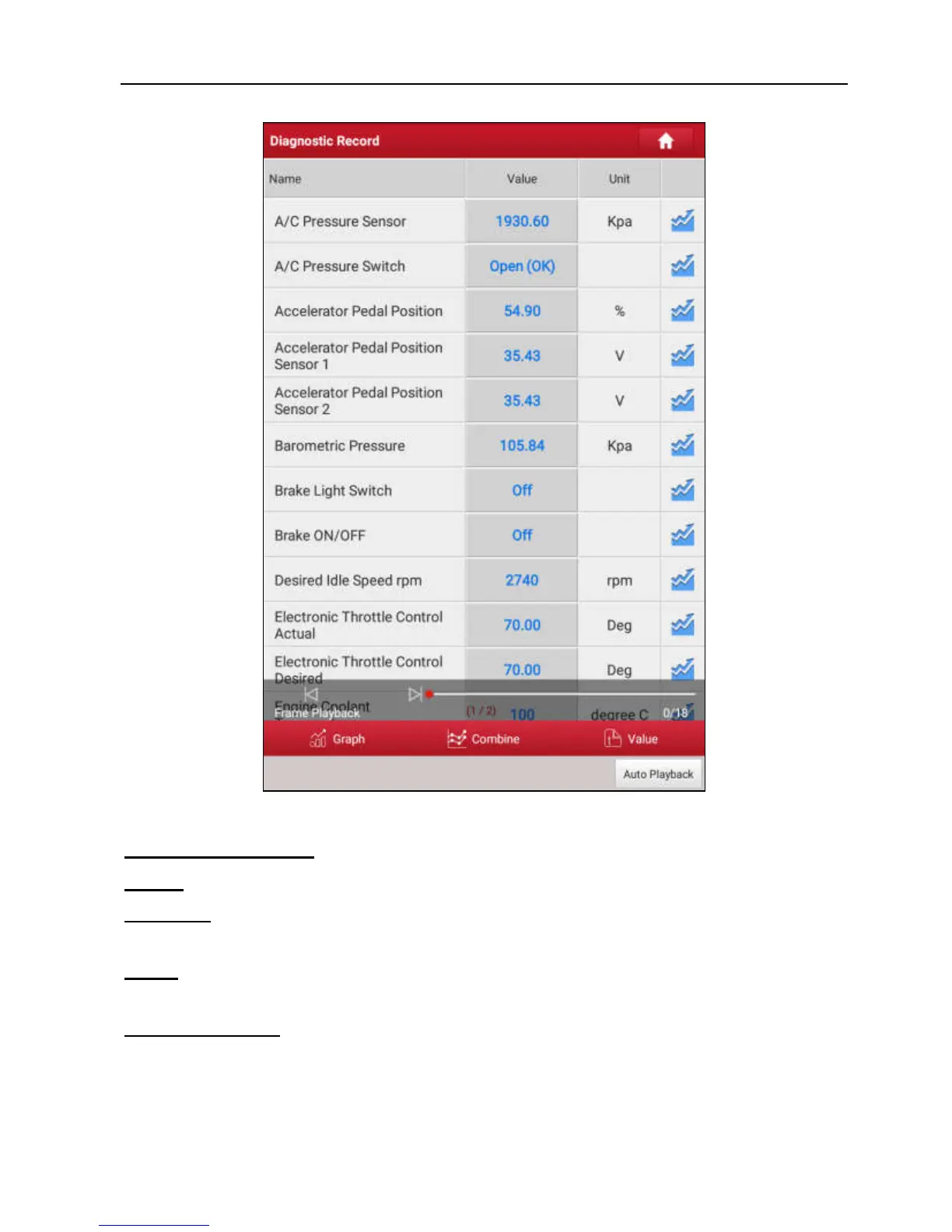
Fig. 9-4
On-screen Buttons:
Graph
– displays the parameters in waveform graphs.
Combine
– this option is mostly used in graph merge status for data comparison.
In this case, different items are marked in different colors.
Value
– this is the default mode which displays the parameters in texts and
shows in list format.
Frame Playback
– plays back the recorded data stream items frame by frame.
Once it is in frame playback mode, this button changes into “Auto Playback”.
Remote Diagnostic Report
lists all diagnostic reports generated in process of
remote diagnosis.



 To Next Page