SX205100A Dryer Controller
Select the sub-item by pressing [Down] or [Up] button and enter the setting mode by pressing
[Set] button. Under the setting mode, you can set the value by pressing [+] or [-] button.
Press [Stop] button to exit.
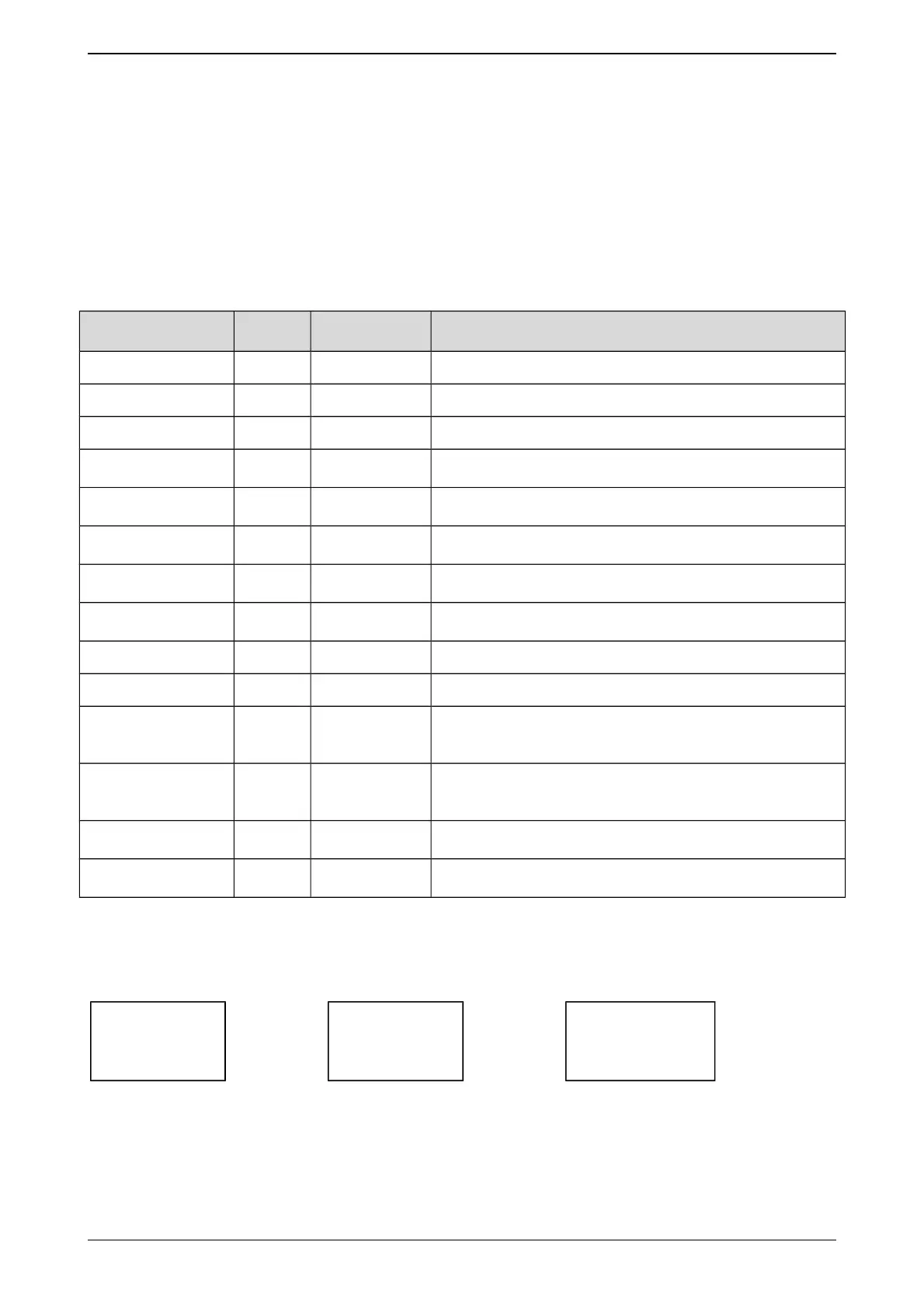
Items Default Range Introduction
1) Drum roll time 35sec 0~255sec Time of motor forward/reverse run.
2) Drum stop time 35sec 0~255sec Time of motor forward/reverse stop.
3)Heat1 temp dif
2℃ 0~255℃
The difference of temperature allow main heat acts.
4)Heat2 temp dif
5℃ 0~255℃
The difference of temperature allow assistant heat
acts.
5)Door closed N.O.
N.O.
N.C.
Open: Door closed when input signal is invalid.
Close: Door closed when input signal is valid.
6)MotorOverload N.O.
N.O.
N.C.
Open: Motor overload when input signal is invalid.
Close: Motor overload when input signal is valid.
7)Overheat N.C.
N.O.
N.C.
Open: Overheat when input signal is invalid.
Close: Overheat when input signal is valid.
8) Emergency N.C.
N.O.
N.C.
Open: Emergency stop when input signal is invalid.
Close: Emergency stop when input signal is valid.
9)InDrumSensor No No, Yes Yes: Use temperature sensor of in drum.
10)In drum ctrl No No, Yes Yes: Control temperature of in drum.
11)In drum alarm
150℃ 70~180℃
Max temperature of in drum.
When the temperature is higher than the set value, the
controller will alarm.
12)OutDrumAlmDif
15℃ 1~30℃
Difference of temperature for out drum temp alarm.
Max temperature of out drum = Diff. temp+ Program
Setting temp.
13)Language Chinese
Chinese,
English
14)Temp. units Celsius
Celsius,
Fahrenheit
7.3. Modify password
On the top menu of parameter setup interface, press [Down] or [Up] button to select “3: Mod.
password” and press [Set] button to enter into this item.
1
2
3
In passwords inputting screen,once a button pressed, a “*” will be displayed on the LCD. [Set] is
used to delete and [Stop] is used to exit the screen.
13/16


 To Next Page