SX205100A Dryer Controller
8. Alarm
8.1. Alarm reset
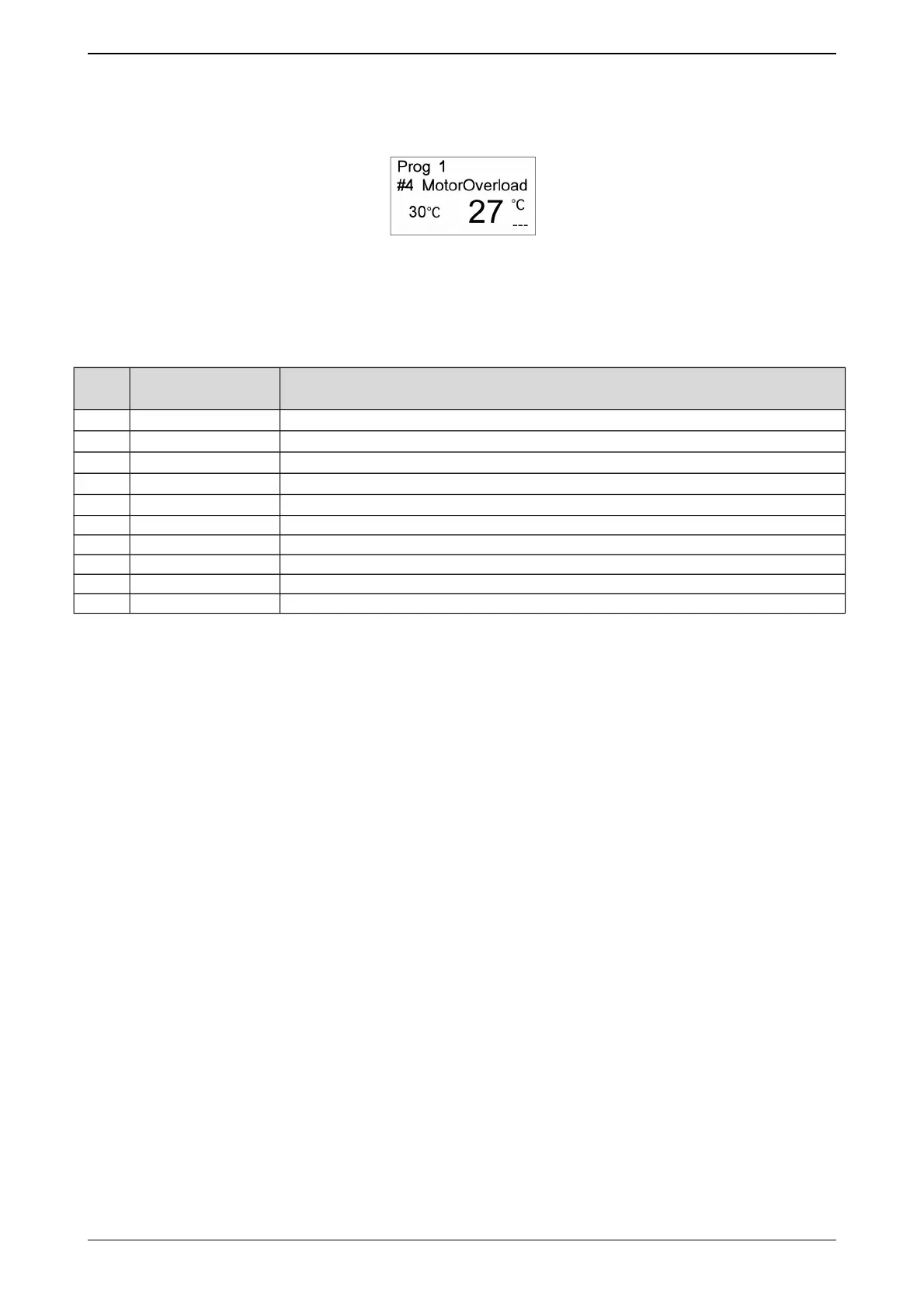
When error occurs, the computer will signal an alarm automatically with audible sound.
Pressing [Stop] button will stop audible alarm sound. Press [Stop] button again after
troubleshooting. If the error has been resolved or can be ignored, the computer will go back to
“Idle” status. Or else the computer will alarm again.
8.2. Alarm information and obviation
No. Alarm Name Troubleshooting
#2 OutDrumSensor
Please check temperature sensor of out drum.
#3 InDrumSensor
Please check temperature sensor of in drum.
#4 MotorOverload Please check the capacity of machine, or check the input of overload.
#5 Overheat Please check the input of Overheat.
#6 OutDrumTmpHi
The temperature of out drum is higher than Max temperature of out drum.
#7 InDrumTmpHigh The temperature of in drum is higher than Max temperature of in drum.
#8 Emergency Please check the input of Emergency stop.
#51 Paramet. err Please contact with factory.
#52 Program err Please contact with factory.
#53 System err Please contact with factory.
14/16


 To Previous Page