5 Device Settings
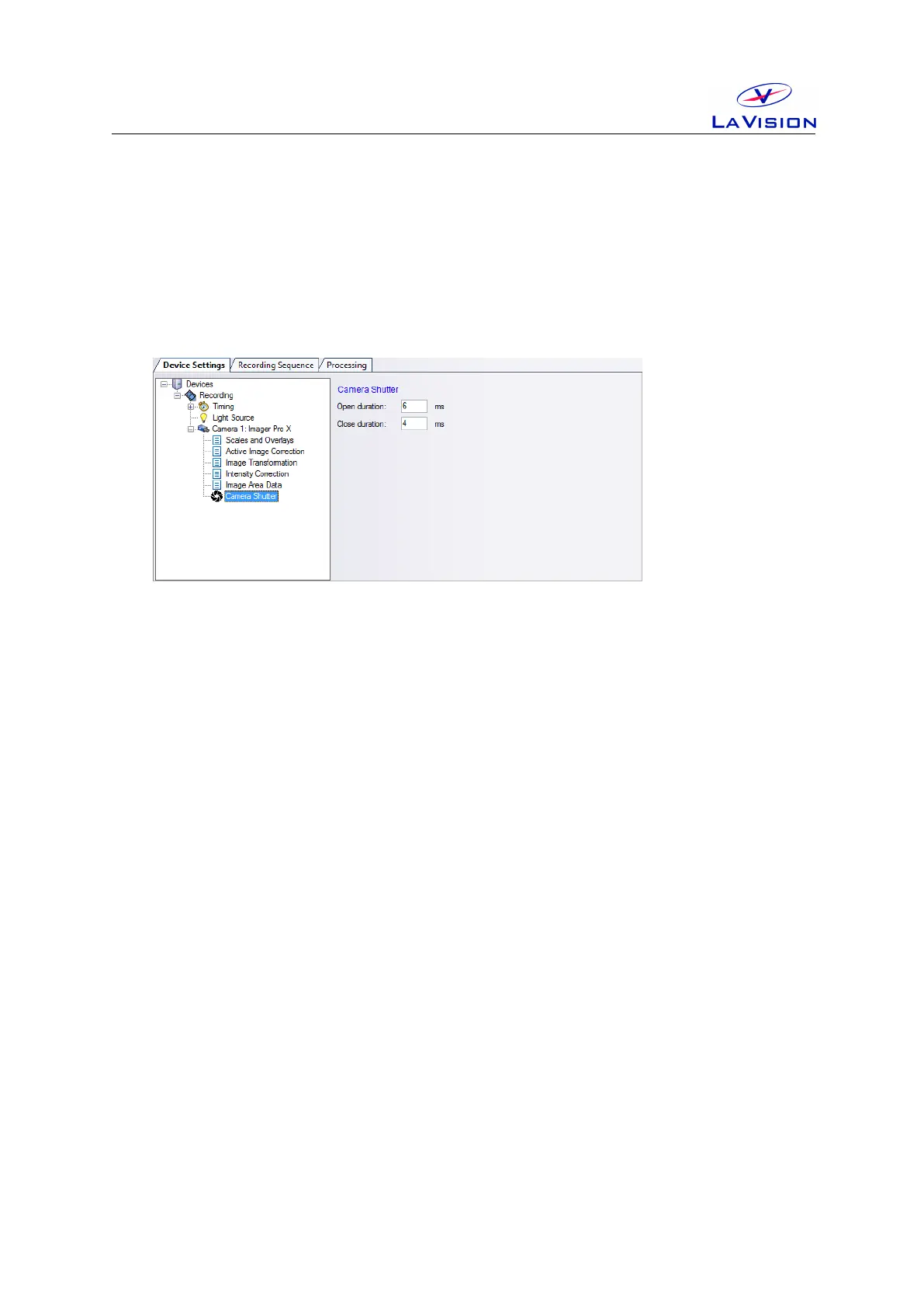
The timing for the camera shutter may be selected on the Camera Shutter
card you can open using the Device button in the Recording dialog.
Typical values for timing of the shutter are:
• Open duration: 6 ms.
• Close duration: 4 ms.
The value for Open duration is not critical and may be selected higher. But
the value for the Close duration needs to be adjusted carefully for each
device as the timing is based on mechanical components (spring and di-
aphragm) which does not allow to manufacture shutter with identical prop-
erties.
In order to adjust the value for the Open duration start with a value that
is sufficient long (e.g. 8 ms) and take images in double frame mode while
the PulseA of the laser is triggered and illuminates the 1st frame of the
camera. Reduce the value for the Open duration until the shutter will
block the laser pulse. Then increase the value by 100 µs.
In order to adjust the value for the Close duration start with a value that
is sufficient long (e.g. 6 ms) and take images in double frame mode while
the PulseB of the laser is triggered and illuminates the 2nd frame of the
camera. Reduce the value for the Close duration until the shutter will
block the laser pulse. Then increase the value by 100 µs.
19


 To Next Page