7.4 Export data set for support
one image: This will extract one image only. You need to select the
number of the image.
whole set: This will extract the complete data set. Please note that
depending on the number of images the resulting zip-file will be very
large.
specify range: This will extract the specified range. You need to select
minimum and maximum image number.
In addition you may activate the Calibration option and the
corresponding cameras. This will make sure that the calibration for these
camera will be included.
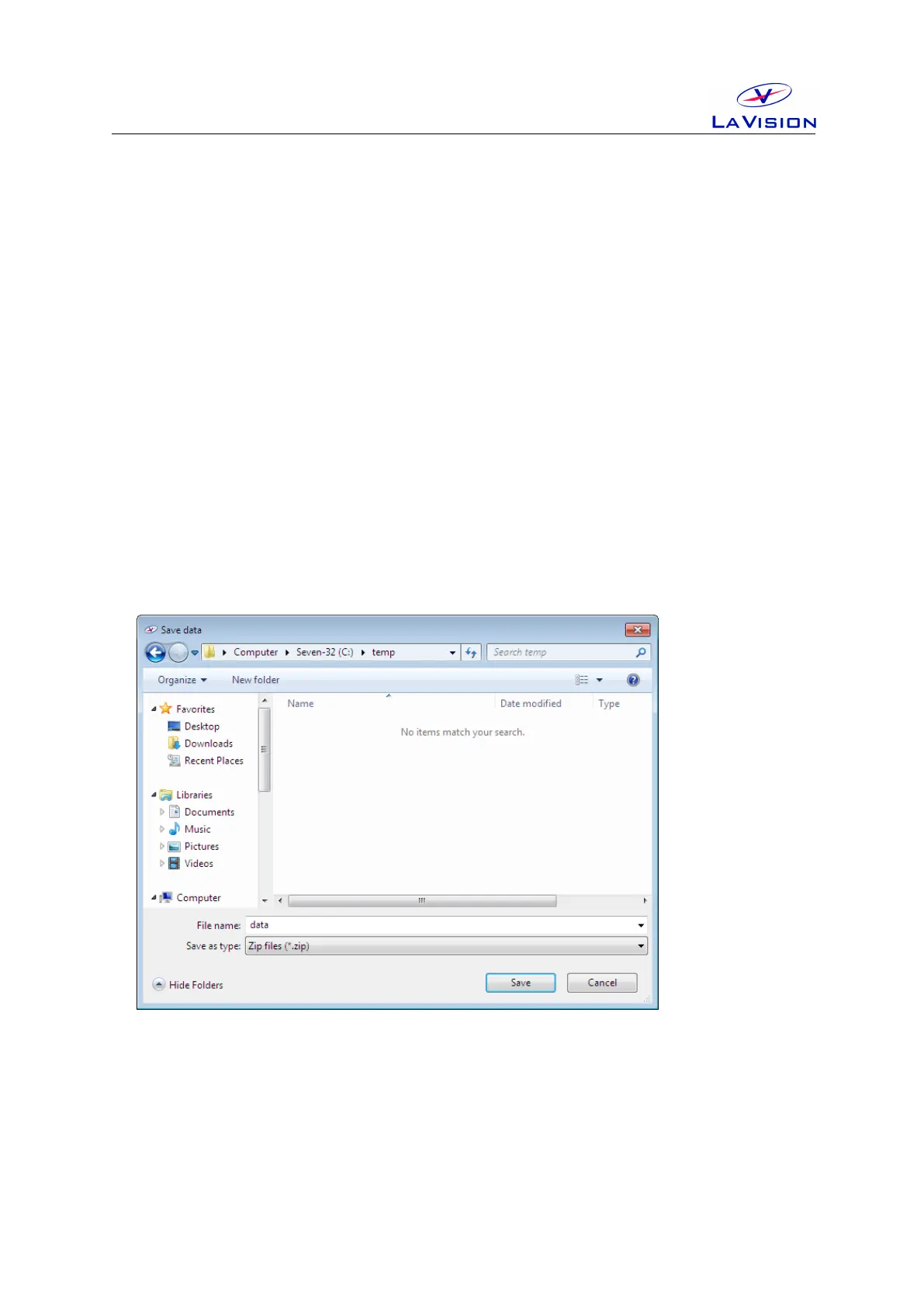
Using the OK button you need to specify the location and file name for the
zip-file that contains the selected data.
Note: Files with a size of more than 20 MB should not be send by email.
LaVision can provide a password protected location on a FTP server for
data exchange with read and write access. Please contact
service@lavision.de for details. For the upload your local user account
needs to have enabled FTP functionality. Please check with your system
administrator.
27


 To Next Page