17
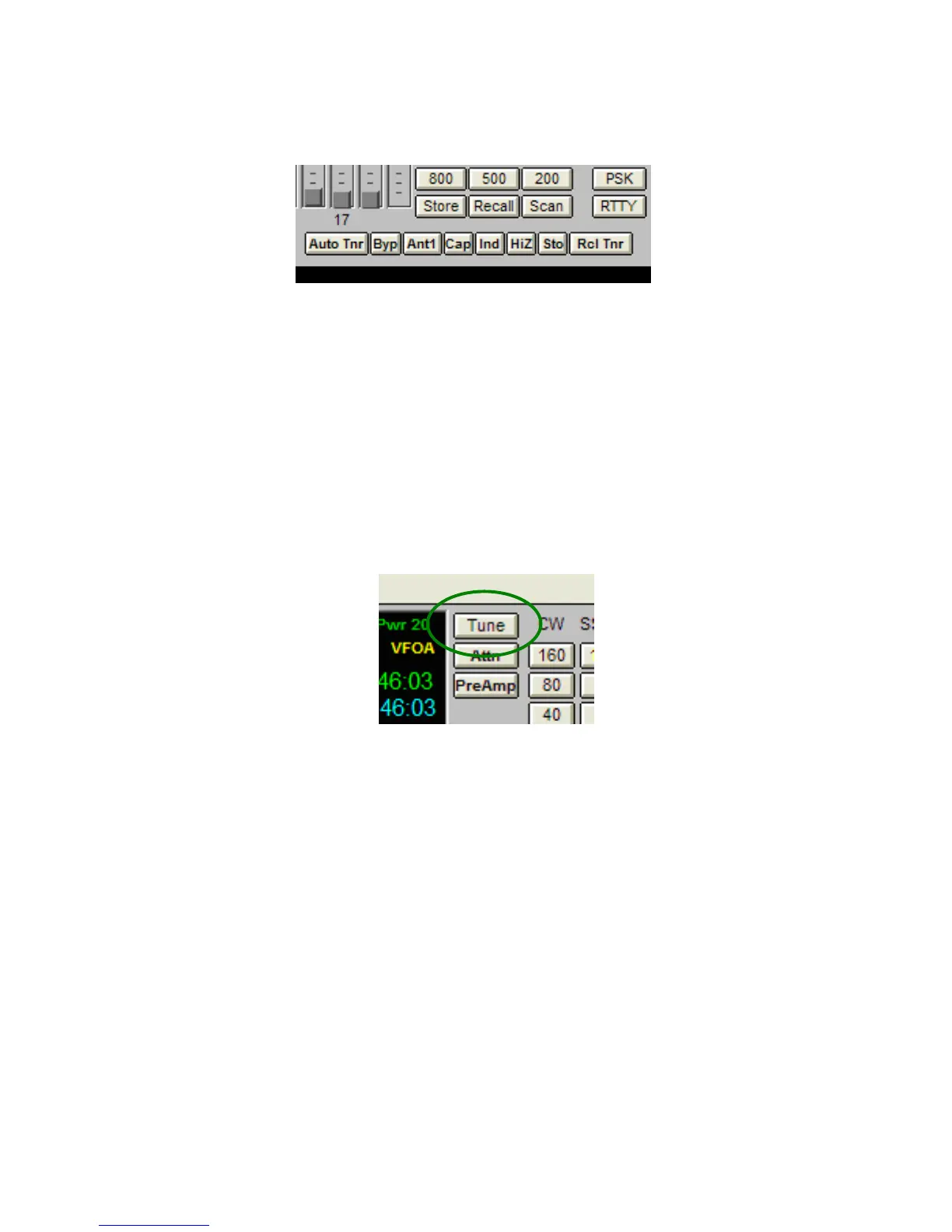
On the radio control panel, the tuner controls appear at the lower left.:
1. Auto Tnr: Enables the tuner
2. Byp: Puts the tuner in bypass mode
3. Ant1: Toggles between the two antenna ports on the tuner
4. Cap: Manually adjusts the capacitor setting
5. Ind: Manually adjusts the inductor setting
6. HiZ: Manually toggles between Hi and Low Z setting
7. Sto: Manually stores the present tuning settings
8. Rcl Tnr: Initiates a memory tune
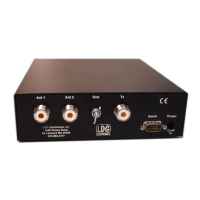
To tune manually, click the Tune button on the N4PY interface while transmitting.
For more information on using the N4PY control program, consult the program's documentation
and help files.
12345678


 To Next Page