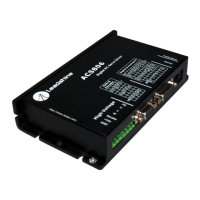
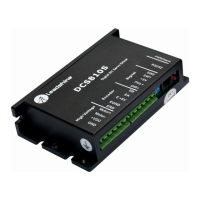
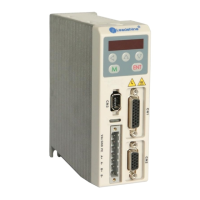
H2-506 Vector Easy Servo Drive User Manual Version 1.0
Leadshine Motion Technology
3/F, Block 2, Nanyou Tianan Industrial Park, Nanshan District Shenzhen, China Page 3 / 22
Tel: 86-755-26409254 Fax: 86-755-26402718 Website: http://www.leadshine.com
Table of Contents
1 Introductions................................................................................................................................................................. 4
1.1 Features ............................................................................................................................................................. 4
1.2 Applications ....................................................................................................................................................... 4
2. Specifications .............................................................................................................................................................. 4
2.1 Electrical Specifications .................................................................................................................................... 4
2.2 I/O Interface Specifications ............................................................................................................................... 5
2.3 Mechanical Specifications ................................................................................................................................. 5
2.4 Operating Environment ..................................................................................................................................... 5
3 Connectors and Pin Assignments ................................................................................................................................. 6
3.1 Control Signal Connector CN1 ......................................................................................................................... 6
3.2 Encoder Signal Input CN2 ................................................................................................................................ 7
3.3 RS232 Communication Connector for Tuning CN3 ......................................................................................... 8
3.3 Power Connector ............................................................................................................................................... 8
3.4 Connector Pin-Out ............................................................................................................................................. 9
3.5 Matching ESM Series Easy Servo Motors ...................................................................................................... 10
4 Getting Start ............................................................................................................................................................... 10
4.1Wiring Diagrams ............................................................................................................................................... 11
4.1.1 Power Wiring ......................................................................................................................................... 11
4.1.2 Control Signal Wiring ............................................................................................................................. 11
4.2 Sequence Chart of Control Signals.................................................................................................................. 12
4.3 Configuring H2-506 ........................................................................................................................................ 13
4.3.1 Configuring H2-506 by the on-board HMI ............................................................................................ 13
4.3.2 Configuring H2-506 by the ProTuner .................................................................................................... 15
5 Frequently Asked Questions ....................................................................................................................................... 21
6 Warranty ..................................................................................................................................................................... 22


 To Next Page