05. ProTuner - CS1, CS2RS Series
4. 드라이버 연결
Follow the following steps to connect a CS1-D closed loop step drive to the “Motion Studio” software
on your computer.
• Read section 2.3 first, then connect the drive to your computer through a RS232 connection.
• Power on the CS1-D closed loop stepper drive.
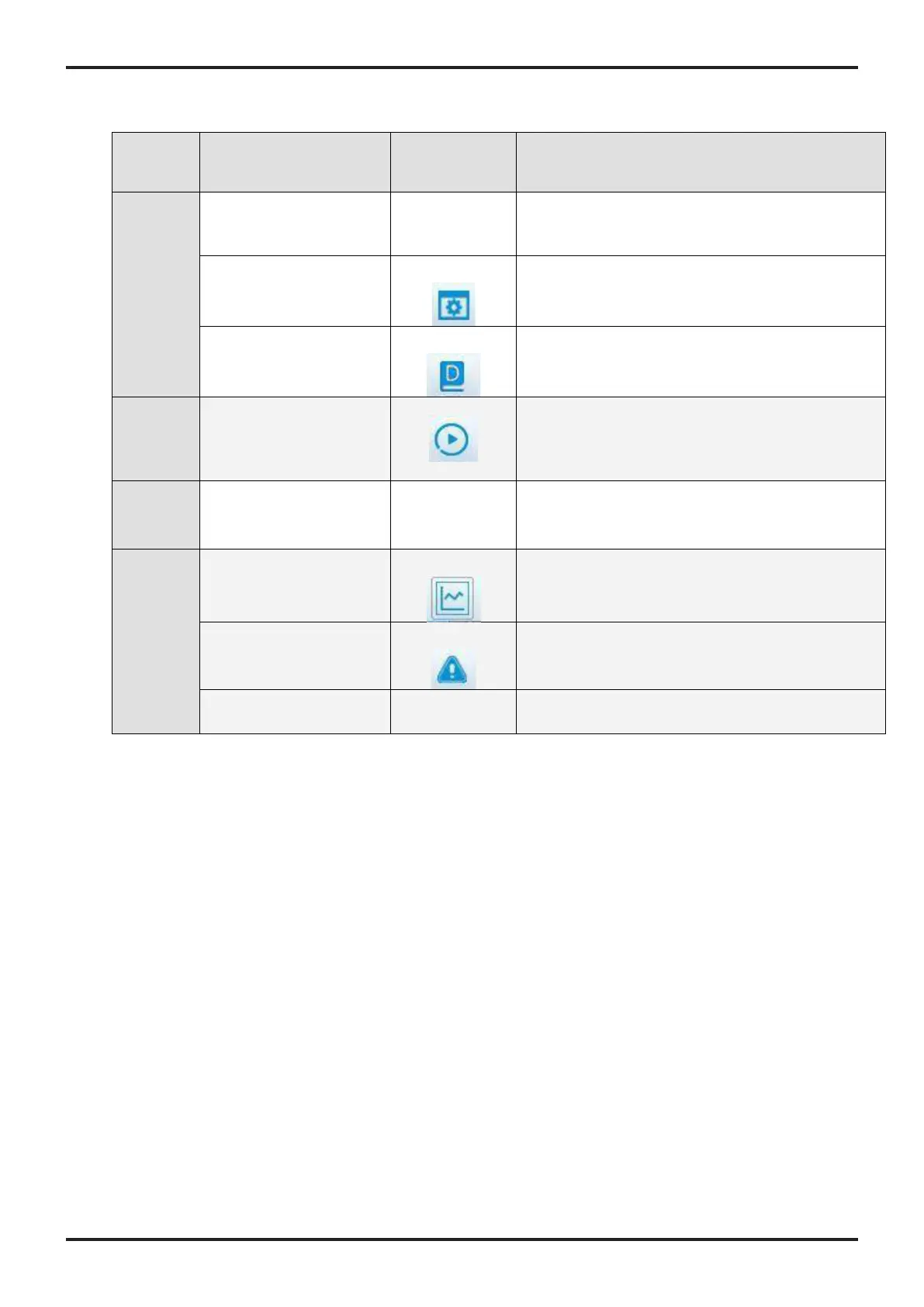
• Launch Leadshine Motion Studio software, Step 1 to click the icon as Figure 2.
(DO NOT click offline mode and any other icon)
• Step 2 to select the correct COM port from “CommPort” dropdown list control (Figure 4). When
a USB to RS232 adaptor is used, you can go to Device Manager of your computer to find the
correct port.
< Figure 2: Communication screen >










 To Next Page