05. ProTuner - CS1, CS2RS Series
167
2.3 악세서리
To connect a CS1-D Closed loop stepper drive to the computer, Leadshine offers a special RS232
cable (Figure 1). It can be used to connect to the RS232 connector on the computer. If such a RS232
connector does not exist on that computer, a user can use a USB to RS232 adaptor (Figure 2) or
conversion cable to get the drive connected. Please note that not all USB to RS232 adapters will
work. Contact your CS1-D drive seller or Leadshine technical support for getting such a USB to
RS232 adaptor, which have been confirmed to work fine with the CS1-D series closed loop stepper
drives.
3. 소프트웨어 개요
Refer the following sections for a quick overview for this “Motion Studio” software.
< Figure 1: GUI프로그램 초기 화면 >
3.3 메뉴 및 툴바
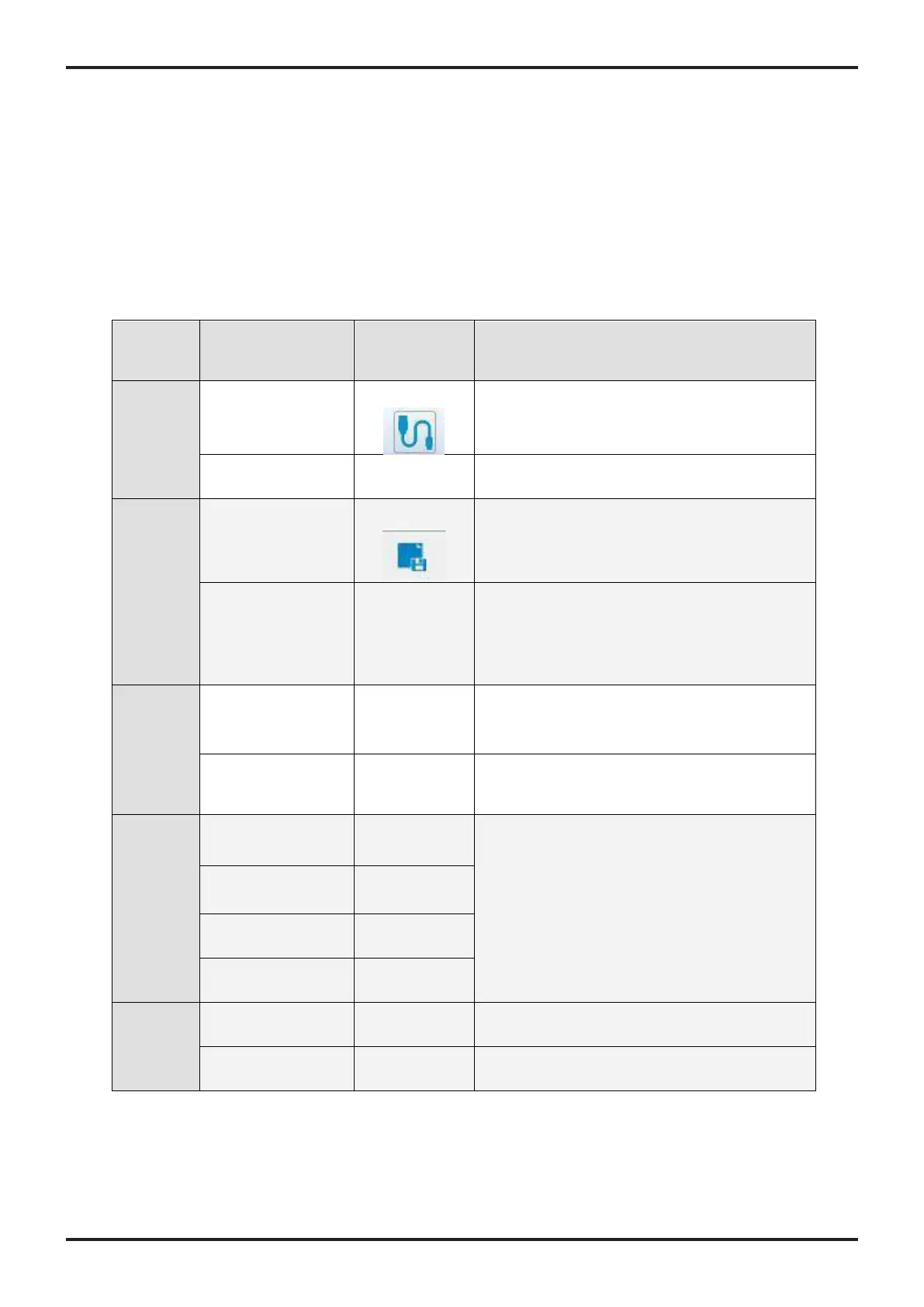
There are two menu bars, menu bar 1 is used to set up the Leadshine Studio software, menu bar 2
is used to set up the drive, Menu items and respective toolbar items are described in the following
table:
Menu
bar
Sub-menu
Item
Toolbar
Icon
Function
Connect/disconnect the drive to/from the
-
Close Leadshine Motion Studio software
Save modified parameter values to drive, it
will be invalid after powering off
-
The modified parameters take effect, and no
power supply restart is required.
-
-
-
-
-
-
-
-










 To Next Page