13
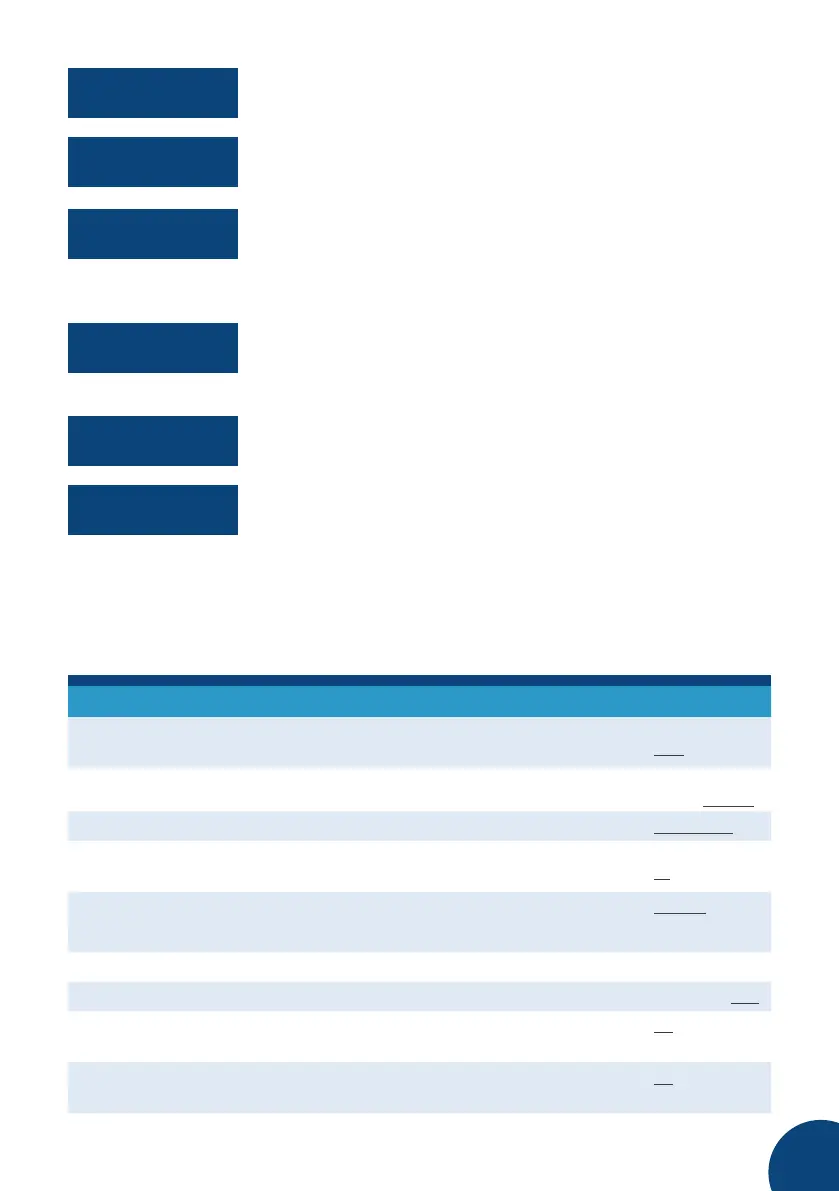
AUX output mode (OPEN/CLOSED).
If an analogue accessory is connected to the Analog input,
the current measured value is displayed here.
Cloud connection status (OFFLINE/ONLINE) as well as the IP
address of the selected Wifi network. Possible problems:
WiFi disconnect = Wrong password or WiFi AP is unavailable
Requesting IP = Connected to AP and waits for DHCP
The name and the strength of signal of the selected WiFi
network.
Current time, time zone and date.
Software model and version as well as the unit’s operating
time since the last restart.
SETTINGS MENU
Change system and test settings on the settings menu. The menu has the following
structure. Factory settings have been indicated by underlining.
General
Start mode Indicates the start mode of the device after it
has been without power.
Hom e /Aw a y/
Last
Noise alarm Indicates when the device sounds an alarm.
Deactivated/
Alarm/Always
Silent time Indicates when the device is silent.
23:00–07:00
Pause time The pre-set default timeframe of the Pause
mode.
1–24 hours
(3)
Language Screen language settings
English/
Svenska/
Suomi
Set time Set date and time.
Time zone Time zone settings.
WET/CET/EET
Restart Restarts the device. Select “Yes” to restart the
device.
No/Yes
Factory settings Restores factory settings. Select “Yes” to
restore the parameters to factory settings.
No/Yes
AUX OUT=OPEN
ANALOG INPUT:
DISABLED
CLOUD ONLINE
149.168.1.121
SSID=mywifinet
RSSI=–73dBm
TIME 16:45
CET 2016-01-13
Pro1 LOM302/B
v1.4.0 76d 11h



 To Next Page