LC Easyjet-16W/18S User Manual V13GZ.1
13
b.Lay down printer body on stands and remove membranes.
c.Install the printer body to the stands and fix by four screws at each side.
d.Confirm that each component is fastened firmly by gently shaking the stands.
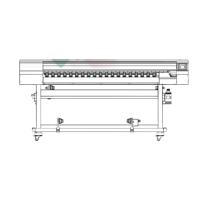
The printer main units installation is completed.
2.2.4 Load the Cartridge
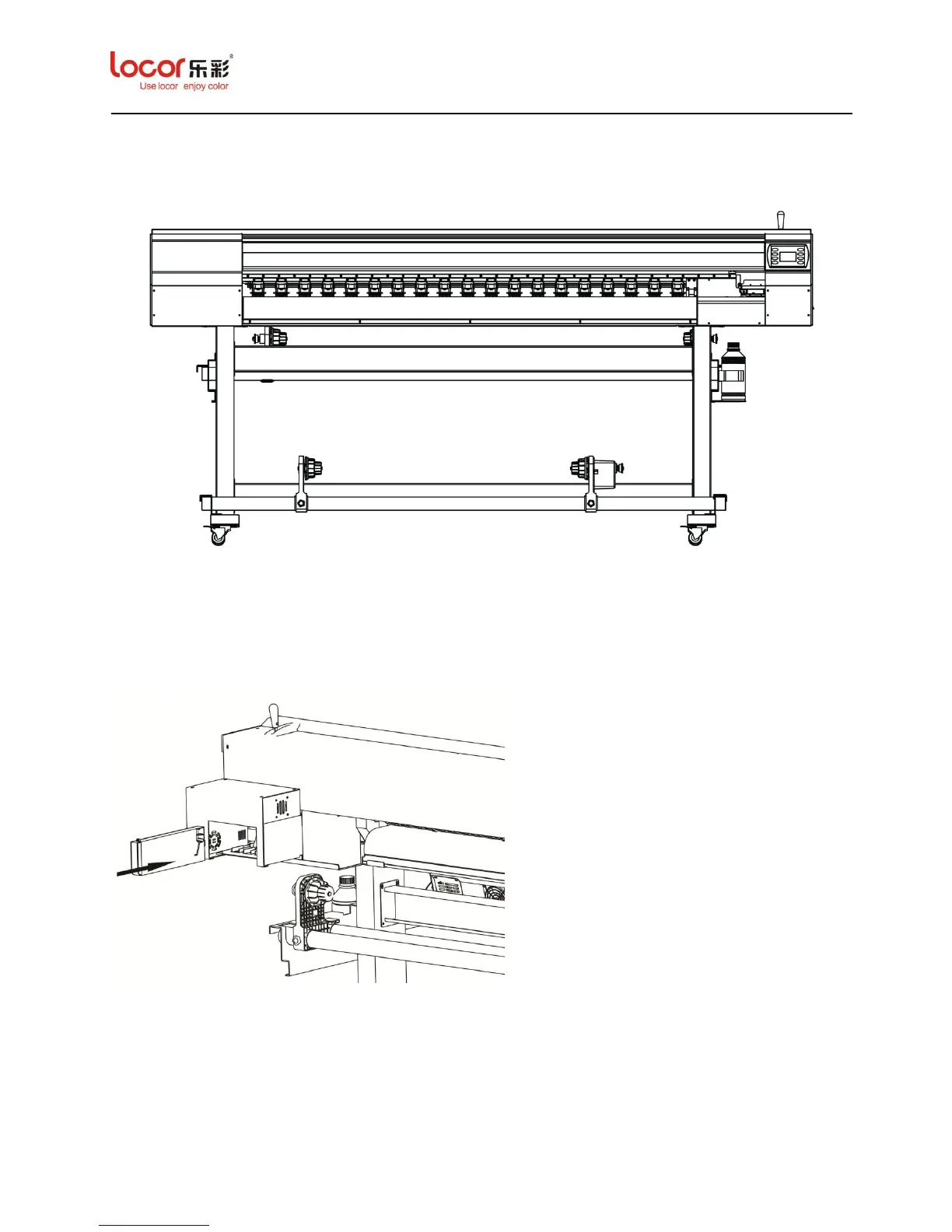
a. Load the ink cartridges into the corresponding slots, and push the cartridge to
the end of the slot and make sure they are well connected.
b. Fill the cartridge with corresponding color ink (C/M/Y/K).
c. Optimum volume of ink filling for each cartridge is 350 ml to 400 ml.


 To Next Page
 Loading...