8
EN
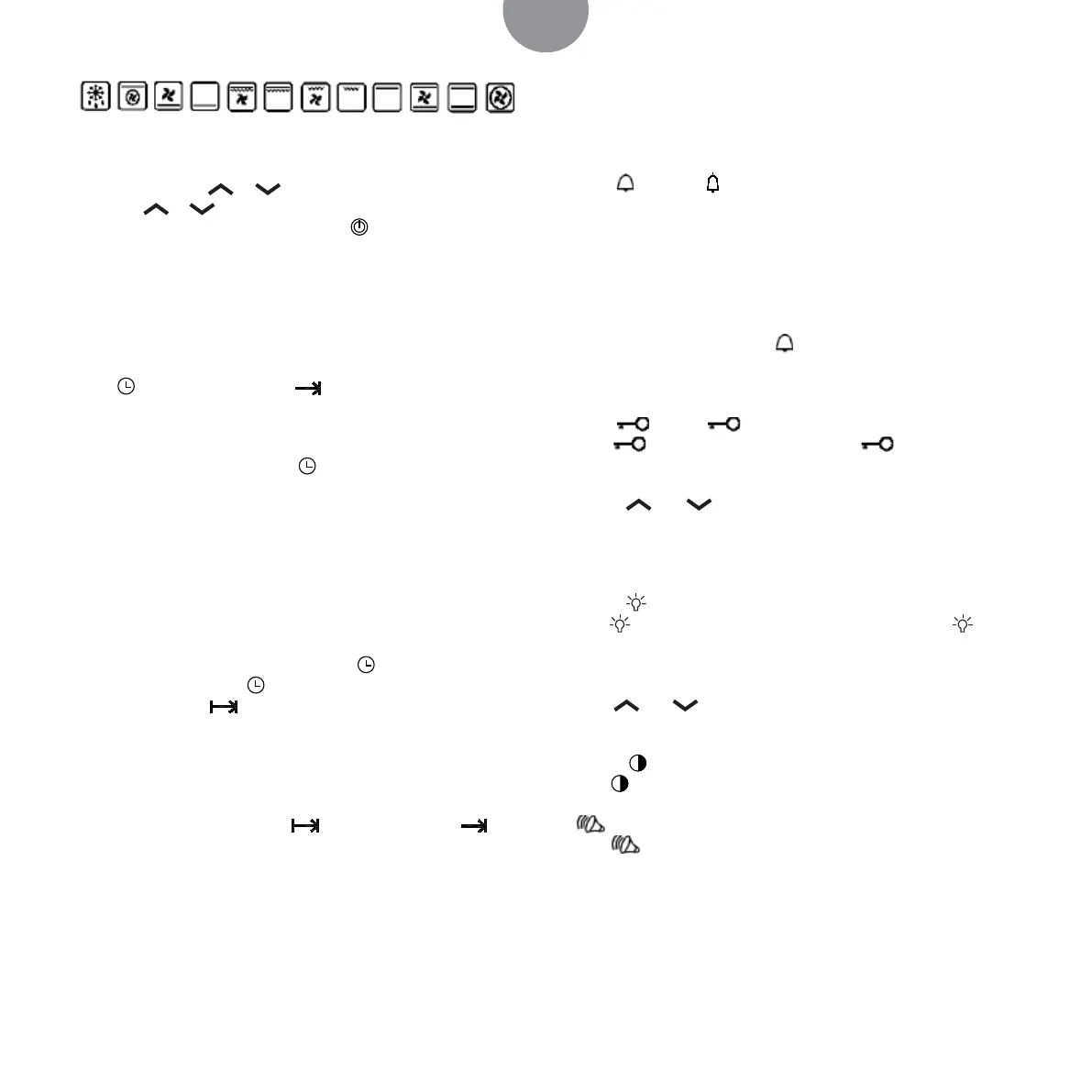
When chosen the functions, the function icon blinks, the tem-
perature show zone shows temperature number, at this moment,
you can adjust the or to adjust the temperature number
(or touch or for 3 seconds for quick setting). Temperature
can be at the range of 40°-250°. Touch
, heating starts. Touch
again, can o heating roast function.
Note
Only after choose stall mode, timer roasting function and delay
roasting function can be set.
Timer cooking function setting:
Press
for one time, show“h”, icon and hour number hose
blinks. The setting way as the same as CLOCK setting way. At this
moment, entering timer roasting, and it shows countdown of
timer roasting. As the priority to display countdown of alarm, so
at this moment, press one time
to look at the count down of
timing. When the time is up, the oven will turn o automatically.
If it is set 01:20,meaning oven will turn o until 1 hour and 20
seconds later.
Note
when setting the clock, the functions of timing roast and delayed
roast are canceled.
Delayed cooking function setting:
After timer cooking function is set, press
again; or timer cook-
ing function is set, press
continually twice for setting cooking
end time, showing icon. The setting is the same way as pro-
vided in the CLOCK instructions. After setting cooking end time ,
it shows delayed end time. Due to priority to display countdown
interface of alarm, so if setting alarm time, it have priority to dis-
play countdown interface of alarm. Then it will display timer or
delayed end time.
When delayed time arrive half, icon disappear, and icon
appear, and countdown of timer cooking. As setted mode, oven
works, and work as timer cooking function.
In this modus duration and stopping time must be set as follow:
Start time = Stop time – Set time
Example: Now it is 7:00,the set time is1:20,o time set is11:20, mean-
ing the oven should work for 1h and 20seconds from 10:00 to 11:20.
Note
When setting the clock, the functions of timing roast and delayed
roast are canceled.
Alarm setting:
Touch
, show “h”, and hour number hose display. The setting
way as the same as the instruction of CLOCK. At this moment,
after alarm auto count down, until it blinks “0 : 00”, alarm buzzers
for 10 times.
Note
When using the alarm as time, the timer will not inuence the
other functions when it is working and stops.
When setting the alarm, press
one time again, it means cancel-
ling the alarm function.
Lock button:
Touch , display , operate any keys is not eective. Touch
again 3 seconds to unlock, not show , the other touch-
ing keys return using situation.
Button and :
Adjust the number of hour, minute and temperature. press one
time a number, alter the unit. If pressing a long time, the number
changes quickly.
Button
:
Press
one time, the light will bright in the oven, press again
the light turns o.
°C/°F interchange:
Press and at the same time to change°c/°F interchange
display
Button
:
press
adjust screen light.
.
key:
press
adjust buzzer volume.
Note
E1 alarm is temperature sensor open circuit or short-circuit fail-
ure’s showing code


 To Next Page