21
2. Operating and Programming / 2.7 Schedule Setting
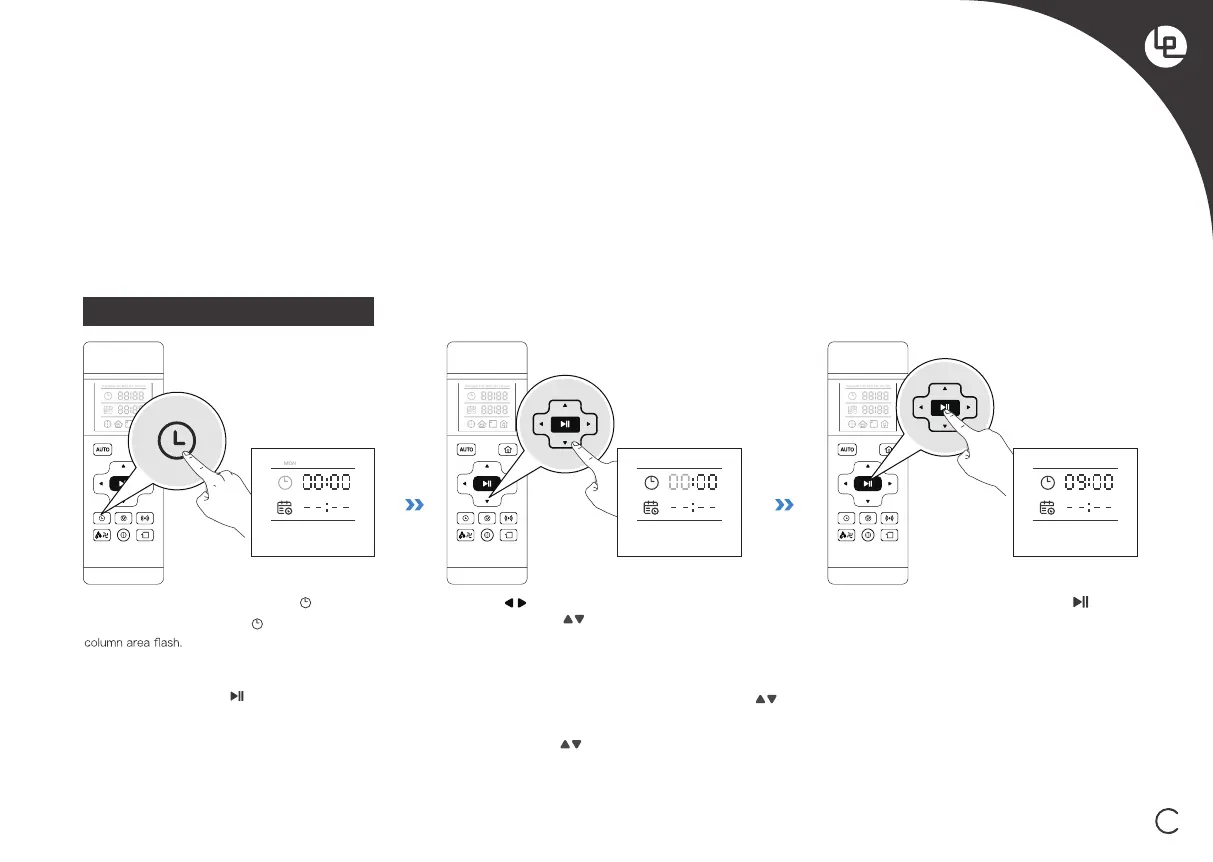
Set the Current Time of Day
[Week day and time setting] Short press button, the
remote control screen displays . The icon and the week
Press the Buttons to switch “hour” “minute” and
“week”. Press the Buttons to adjust “hour”, “minute”
After the time adjustment is completed,press to save,
the robot will give a “beep”sound, and the current time is
set successfully.
MONMON



 To Next Page