EasyManua.ls Logo

lefant T800 Series - User Manual

lefant T800 Series
26 pages
Print Icon
To Next Page IconTo Next Page
Loading...
Applicable for T800 Series
User Manual
Applicable for T8 Series
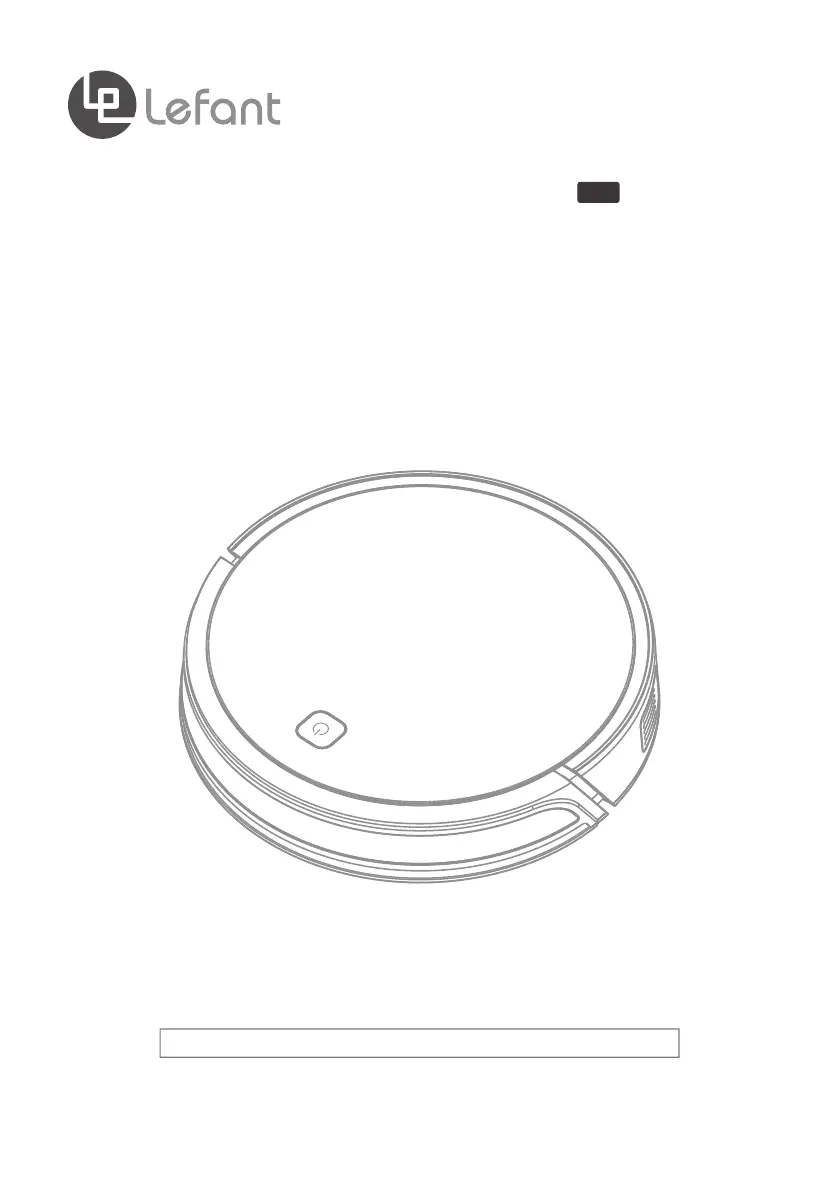
Robotic Vacuum Cleaner
T8
Please read the instructions carefully before using this product and keep it properly.

Questions and Answers

  • K
    Kristin YatesAug 14, 2025
    How to fix Lefant Vacuum Cleaner that cannot connect to WIFI?
    • S
      Shawn RiveraAug 15, 2025
      If your Lefant Vacuum Cleaner can't connect to WIFI, it might be due to a few reasons. First, ensure that you've entered the correct WIFI name and password. Second, verify that the robot is in network pairing mode. Also, be aware that the robot isn't compatible with 5G WiFi signals, so please connect to a 2.4G WiFi signal. Finally, make sure you have downloaded the correct app by scanning the QR code in the user manual or searching “Lefant life” on Google Play or the App Store.
  • M
    Marissa CarterAug 18, 2025
    Why is my Lefant Vacuum Cleaner so noisy?
    • E
      Elizabeth SmithAug 18, 2025
      Your Lefant Vacuum Cleaner might be noisy due to a couple of reasons. One potential cause is that the side brush, rolling brush, or dustbin are entangled or blocked. Regularly clean and maintain the brush, roller brush, dustbin, and filters. Another reason could be that the robot is in MAX suction power mode. Try changing the suction power mode to Medium or Low.
  • D
    douglas17Aug 21, 2025
    What to do if lefant T800 remote control failure?
    • K
      Kimberly CarterAug 21, 2025
      If you're experiencing remote control failure with your Lefant Vacuum Cleaner, here are a few things to check: * First, the batteries in the remote control may need to be replaced. Replace the battery with a new one and install it properly. * Second, ensure that the robot is powered ON and fully charged. * Third, the infrared signal may be blocked because the Infrared Emitter on the Remote Control or robot’s Infrared Receiver on robot is dirty. Use a dry cloth or the Multi-Function Cleaning Tool to wipe the Infrared Emitter on Remote Control and the Infrared Receiver on the robot. * Finally, avoid using the Remote Control near other equipment using infrared signals, as this can interfere with the signal to the robot.
  • M
    mckenziejaclynAug 25, 2025
    What to do if Lefant Vacuum Cleaner has not made a connection with the Charging Dock?
    • D
      Denise BarreraAug 25, 2025
      If your Lefant Vacuum Cleaner isn't connecting to the Charging Dock, make sure the Charging Dock is plugged in and ensure the robot is not powered ON.
  • M
    Matthew MorrisAug 28, 2025
    What to do if Time Scheduling function is cancelled on lefant T800 Vacuum Cleaner?
    • C
      Christopher CastroAug 28, 2025
      If the Time Scheduling function is cancelled on your Lefant Vacuum Cleaner, it might be because the robot is powered OFF. Power on the robot and make the schedule using the remote control over again.
  • R
    ramirezcrystalAug 31, 2025
    What to do if Lefant Vacuum Cleaner is entangled or obstructed by scattered wires?
    • F
      Fernando DanielsAug 31, 2025
      If your Lefant Vacuum Cleaner gets entangled or obstructed, it will try various ways to get itself out of trouble. If it is unsuccessful, manually remove the obstacles and restart it.
  • J
    James JohnsonSep 3, 2025
    Why Side Brush is stuck on lefant T800 Vacuum Cleaner?
    • S
      Stacey TaylorSep 4, 2025
      If the Side Brush on your Lefant Vacuum Cleaner is stuck or its rotation speed decreases, it's likely due to debris tangled around it. Remove the debris. If the Side Brush still rotates slowly, contact Customer Service.
  • J
    john01Sep 7, 2025
    Why Roller Brush is stuck on lefant T800 Vacuum Cleaner?
    • D
      David MartinSep 7, 2025
      If the Roller Brush on your Lefant Vacuum Cleaner is stuck or the rotation speed decreases, it's probably because of debris tangled around it. Remove the debris with the provided Multi-Function Cleaning Tool. If the Roller Brush still rotates slowly, contact Customer Service.
  • T
    Tammy CooperSep 10, 2025
    What to do if lefant T800’s components are tangled with debris?
    • J
      Jason LambertSep 10, 2025
      If your Lefant Vacuum Cleaner’s components are tangled with debris, power OFF the robot, clean the Dust Bin, and invert the robot. Clean the Side Brushes and the Roller Brush as described in section 4.

lefant T800 Series Specifications

General IconGeneral
Brandlefant
ModelT800 Series
CategoryVacuum Cleaner
LanguageEnglish

Related product manuals