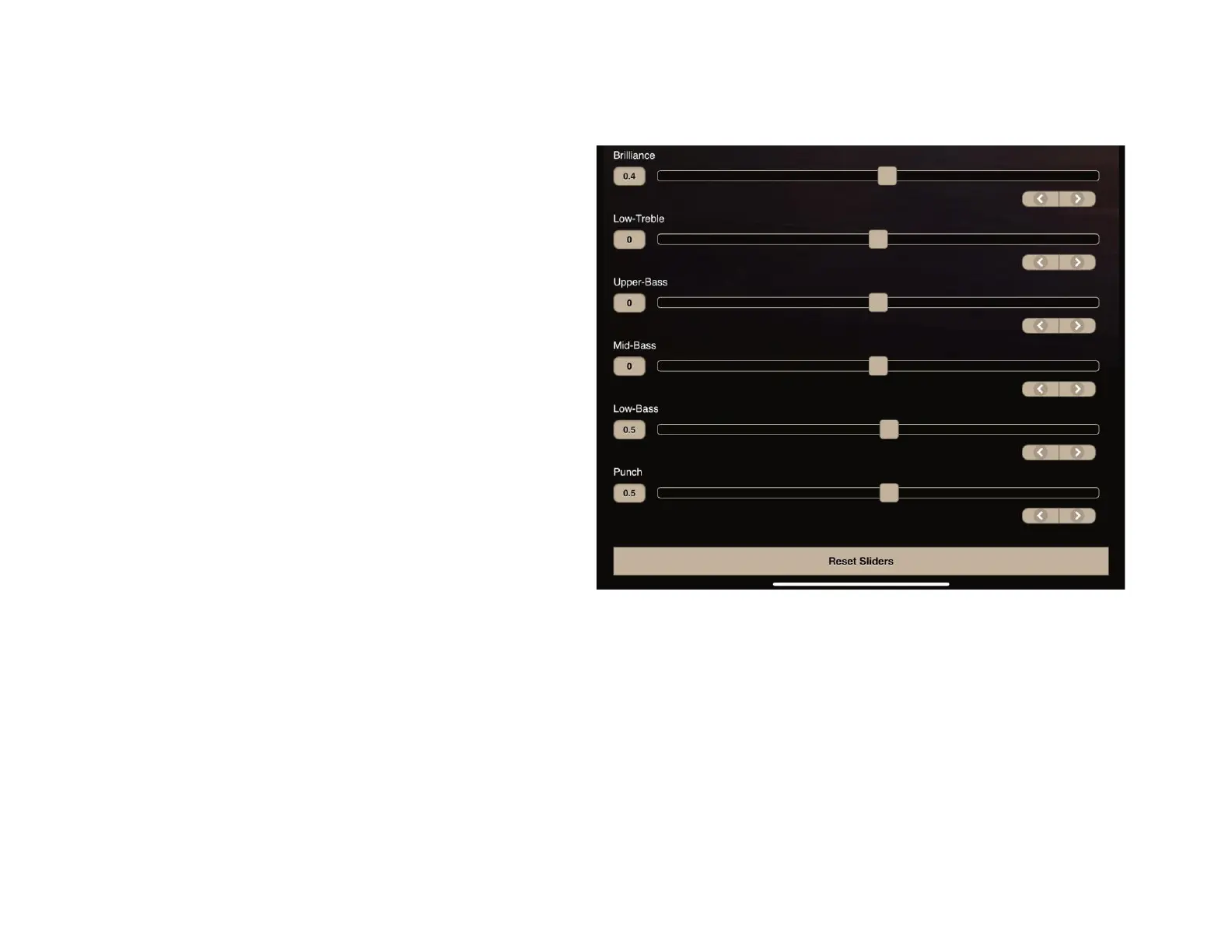
Contour Settings Explanation
Before adjusting the contour settings, we recommend
performing Room Correction on the Settings Page
Brilliance: controls the "air" and definition of a recording
above 10kHz
Low-Treble: adjusts the brightness or forwardness above 3kHz
Upper-Bass: adjusts the fullness or bloom of vocals, cello, etc.
below 300 Hz
Mid-Bass: determines the apparent speed of decay of bass
frequencies. Reducing will tighten, slight boosts will warm
below 150 Hz
Low-Bass: adjusts the overall weight or heaviness below 75
Hz
Punch: controls the drive or impact felt from the rhythm at 55
Hz
Most speakers benefit from a boost of about +2.5 dB in the brilliance, a low-bass setting of +2 dB with the punch slider set at +2.5
dB.
Pressing Reset Sliders will return all contour sliders to 0.


 To Next Page