44
3.5 Installation procedure
WARNING
Read the safety instructions on chapter 2 before installing the UPS.
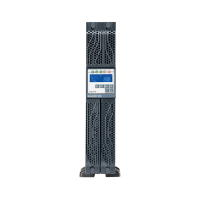
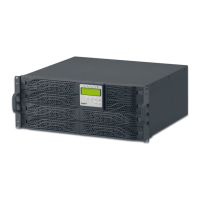
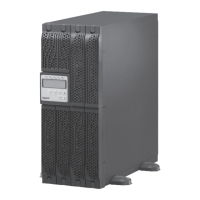
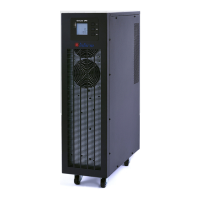
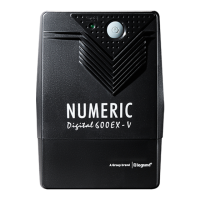
1. Position the UPS so that the cooling fans are not obstructed, as visible in the following figure:
2. Connect the IEC input and output cables provided to the appropriate outlets.
3. Connect the loads to the IEC output cables, ensuring that the switches of the various loads are
in the off position.
4. Plug the UPS input cable into a main socket with a suitable voltage and current.
3 Installation








 To Next Page