14 Leica DFC Cameras – Image Acquisition Guide
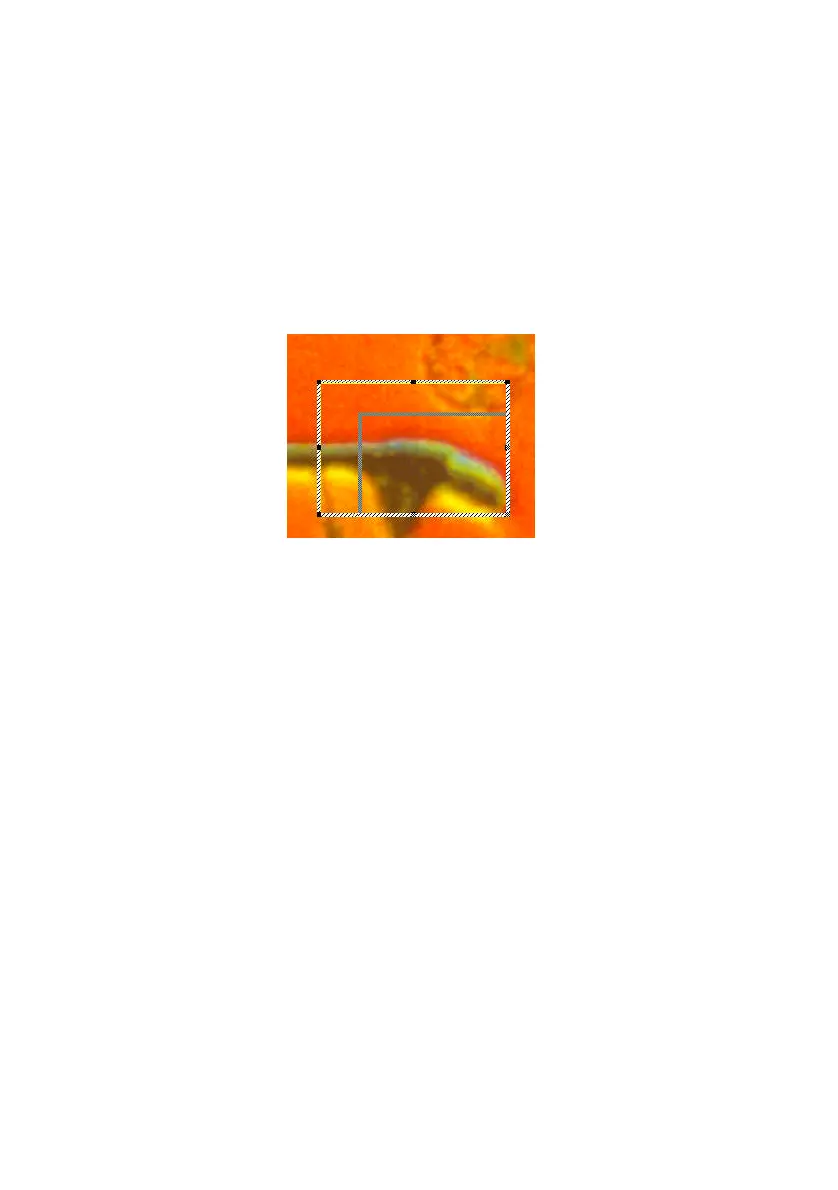
Rectangle Control
The position and size of these rectangles can be
changed at any time:
Left-click on the colored rectangle to activate it.
When active, the rectangle assumes a dotted line.
Move the rectangle to any position by left-click and
dragging the dotted line.
Resize the rectangle by left-clicking on one of the
black square dots around it and dragging.



 To Next Page
 Loading...