56
Version 2.0, Revision I
Operation
5
Display Status messages
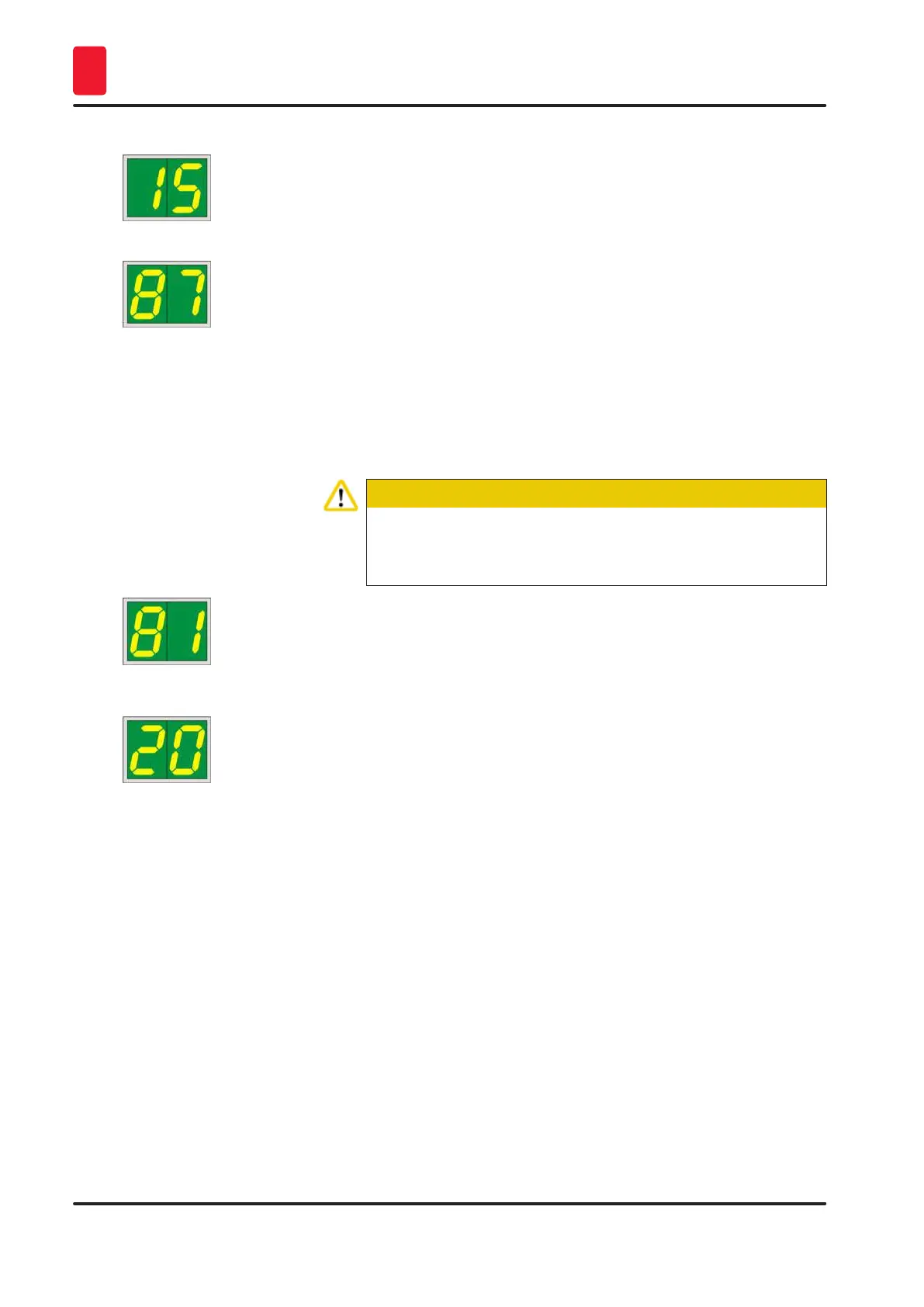
15 Cleaning the print head.
Screen prompt requesting the operator to manually clean the
print head (cleaning swab + alcohol).
The printer is off-line. No new print jobs are accepted.
87 After the last cartridge change, CLEAN
has been pressed to indicate to the printer that a transport
cartridge has been inserted. The printer has received a print job
but is unable to print because the cartridge contains cleaning
fluid instead of ink.
Remedy:
Cancel the print job. Switch the printer off and back on and
change the cartridge. Then press LOADED or ERROR and wait
for 2 minutes.
Caution
Never press LOADED after reinserting an ink cartridge which
has already been used. This could cause permanent damage to
the printer.
81-86 Warning: Problem with cassette ejection from a magazine!
The display consists of two parts: The 8 is a warning that a
magazine ejector is mechanically blocked. The second digit
of the message (1-6) specifies the number of the affected
magazine.
Error messages
All displayed numbers from 20 to 78 and 89 to 93.
5.3 Alarm functions
The Leica IP C is equipped with two different alarm functions:
Instrument alarm
The printer has a beeper that emits acoustic signals indicating important instrument states and
functions.
• Upon pressing a button: 1 short beeping sound
• Magazine empty/tray stack full: 2 short beeping sounds
• In case of error: 5 short beeping sounds
• When ending the head cleaning: 5 short beeping sounds



 To Next Page