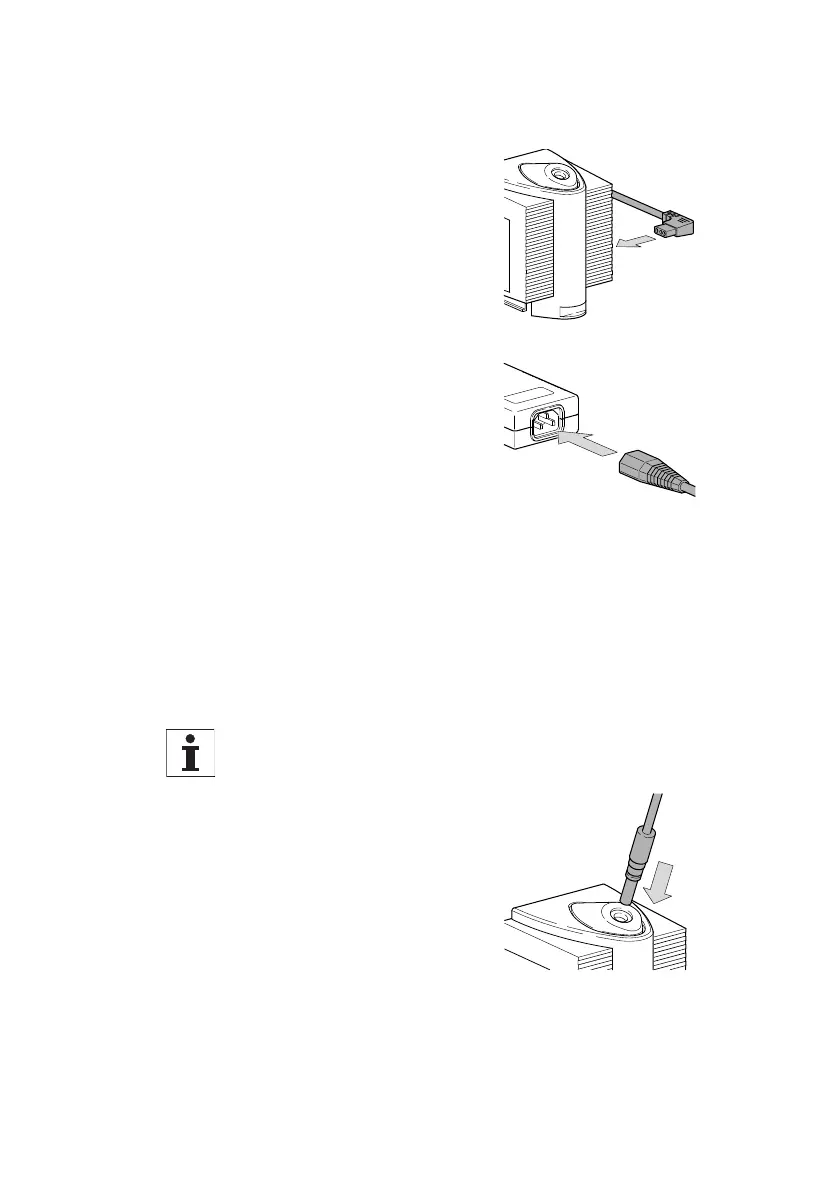
Use only the original power supply unit with the specified
mains voltages of 100 to 240V (50/60Hz).
Make sure that the light
source is switched off
(see page 20).
First connect the power
supply unit to the input
socket of the light source.
Connect the mains lead to
the power supply unit and
connect the power supply
unit to the mains.
Depending on the application required, various types of
light guide and arms are available for fitting to the stereo-
microscope (see below). Perfect functioning, safety,
maximum use of the light available, and uniform illumina-
tion, are assured only if the original light guides are used.
If the light guide has a guide pin, make sure that it
connects with one of the corresponding slits.
Push the light guide into the
holder so that it engages.
Power supply unit ➔
light source
Light guide ➔
light source
16
Leica L2 User manual – Installation



 To Next Page