150 /
Data structure on the memory card / Working with DNG raw data / /Installing Capture One 4
Data structure on the memory card
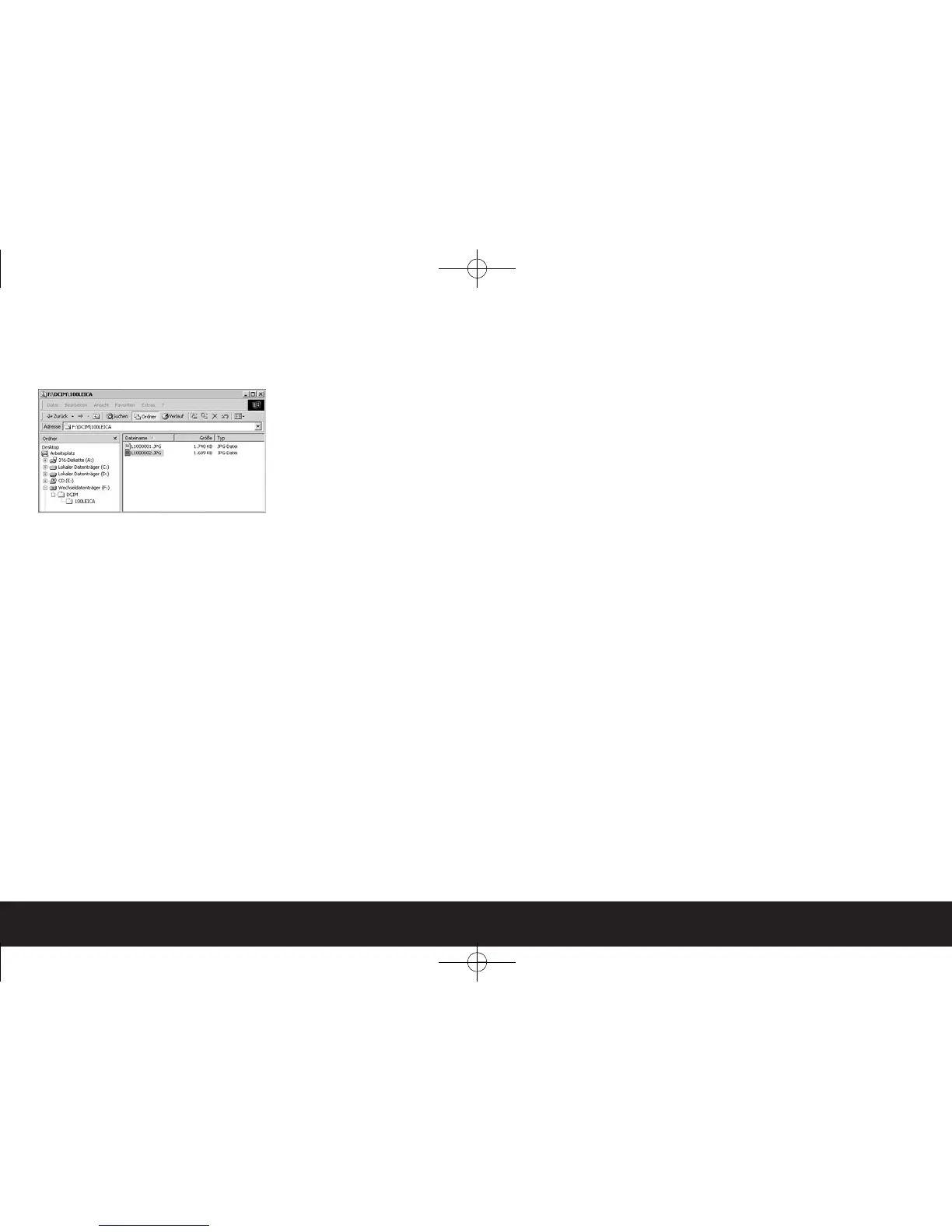
When the data stored on a card is transferred to a
computer, the following folder structure is used:
Up to 9999 pictures can be stored in each of the fold -
ers 100LEICA, 101LEICA etc.
Working with DNG raw data
If you have selected the standardized and future-proof
DNG (Digital Negative) format, you require highly spe-
cialized software to convert the saved raw data into
optimum quality, for example the professional Capture
One 4 raw data converter from Phase One. This soft-
ware can be found on the DVD-ROM (F) that is supp-
lied with the LEICA M8.2. Capture One 4 provides
quality-optimized algorithms for digital color proces-
sing, simultaneously allowing you to produce low-
noise pictures with outstanding resolution.
During editing, you have the option of adjusting para-
meters such as white balance, noise reduction, grada-
tion, sharpness etc. to achieve an optimum image
quality.
Installing Capture One 4
To start the installation, you must register your copy
of the software on the Phase One homepage.
Notes:
• Have the required license code to hand – this is
printed on the paper sleeve containing the DVD-
ROM.
• You also require a valid e-mail address to activate
the software.
• The software can only be used for the 30-day trial
period without the license code.
1. The first time you start Capture One, select “Activa-
tion”, and
2. enter the license code in the relevant field.
3. Follow the subsequent instructions.
During activation, a profile is created for the user
on the Phase One license server. This allows you to
re-activate a license after previously deactivating it,
for example if you want to install the software on a
different computer.


 To Next Page