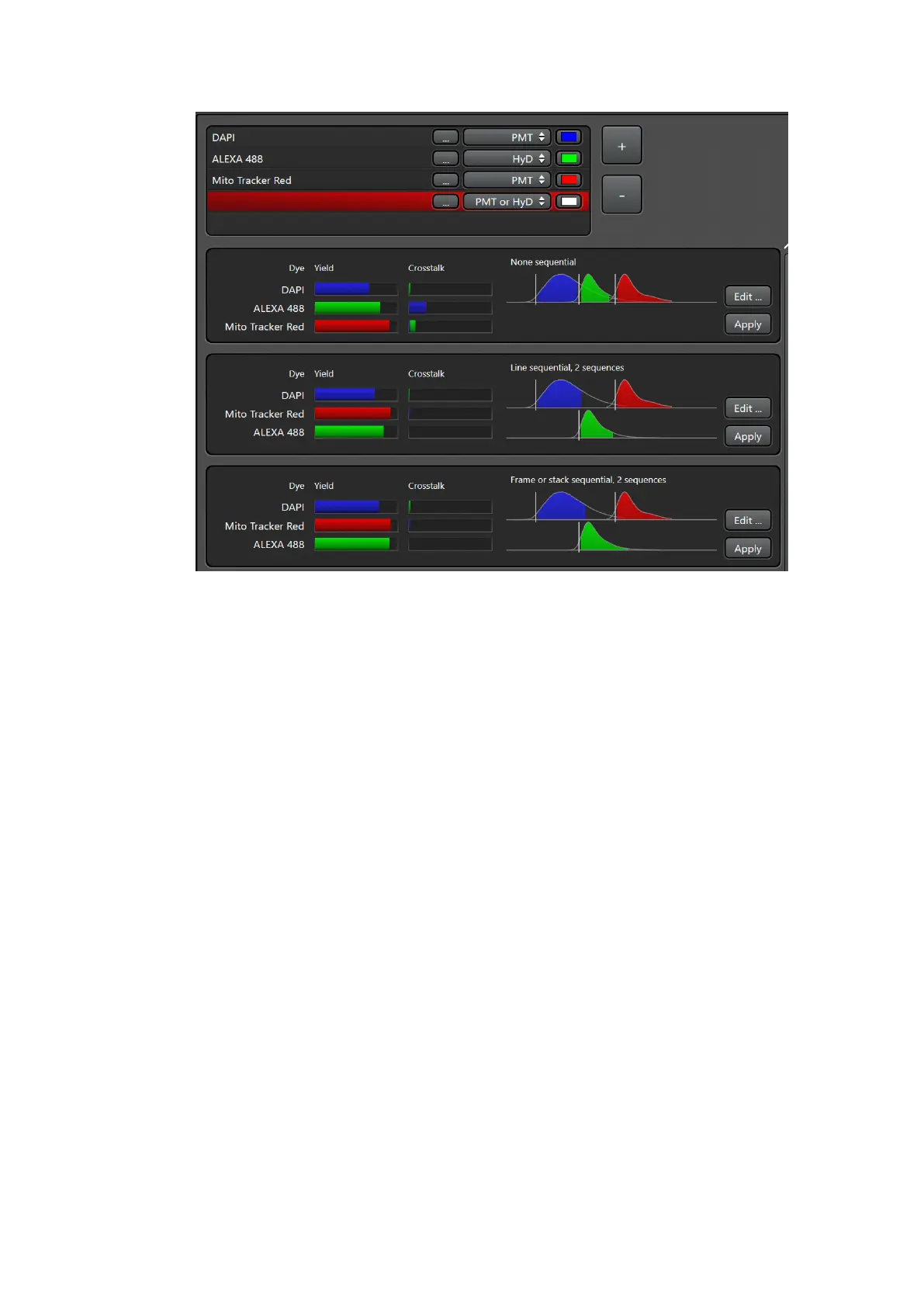
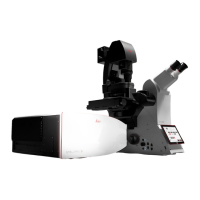
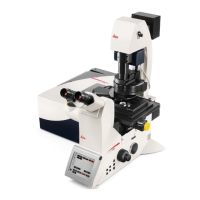
Fig.3
• The system is turning on laser lines “or ask for it if you didn’t turn them on from
config” (tunes to the excitation maxima of selected dyes), activates detectors with
appropriate bandwidth a, sets the gain and shows the emission spectra of selected
dyes.
• Switch on T-PMT if needed for transmitted light imaging-> don’t forget the Lever
• Press “Live” to get an image preview
• Laser power, detector bandwidths and Detector gain may be adjusted
• Check for over exposure using pseudo color or histogram. Overexposing the
detectors damage them


 To Next Page