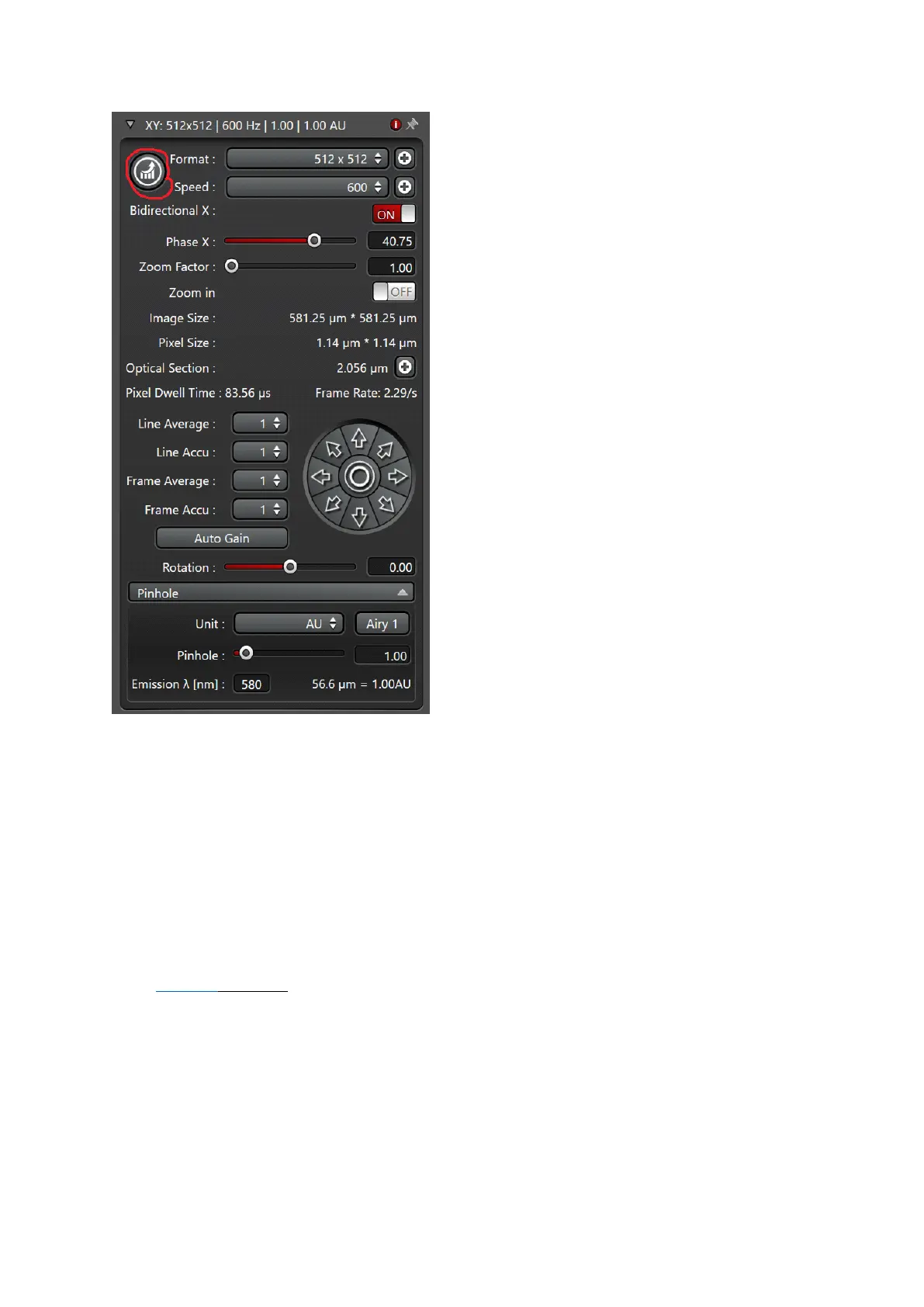
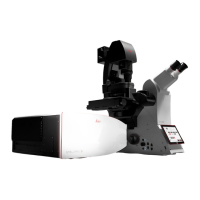
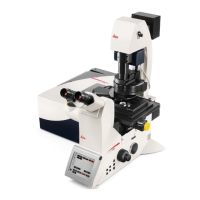
Fig.4
Set your confocal image:
!!! Note: In addition to the software (Fig4), gain, offset, scan field rotation, pinhole, zoom,
and z-position settings may be changed via the control knobs in front of you
Position your sample:
Change the zoom or rotate your image -> Changing scan speed (>700 Hz ) will change the
minimum zoom. Up to 600 Hz the minimum Zoom is 0.75.
Adjust the image format:
Press Nyquist (optimal) button for proper sampling
Adjust the pinhole:
Changes will alter the confocal section thickness (Refrence wavelength is set to 580nm, you
can change it to your need)
And the SNR of the image; default is AU 1
Adjust your Signal to Noise ratio (SNR) by:


 To Next Page