16
Check & Adjust
Sprinter 150/150M/250M - 1.0.0en
EN
DE
FR
ES
NO
SV
FI
DA
IT
PT
NL
8. Check & Adjust
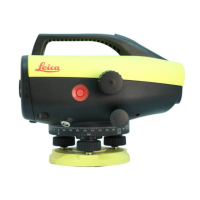
8.1 Electronic Collimation Adjustment
To activate "Adjustment" program, go to Menu\Adjustment.
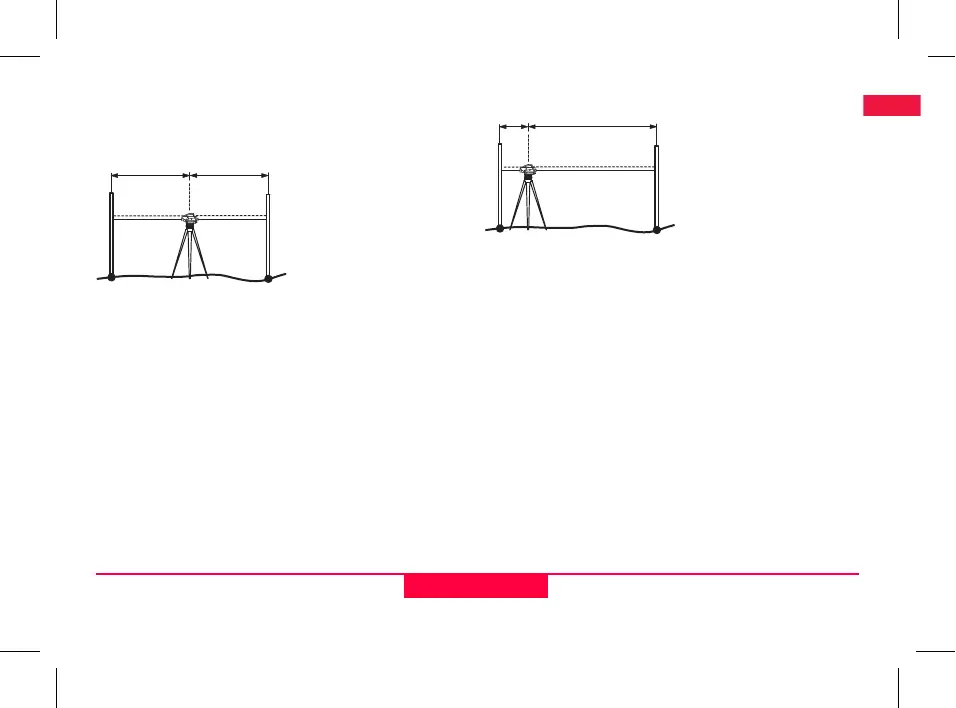
Step 1: Aim at Staff A and press MEAS key. Measurement display,
press ENTER key to accept.
Step 2: Aim at Staff B and press MEAS key. Measurement display,
press ENTER key to accept.
Now shift the Sprinter towards staff A and set it up at about 3 m to
staff A.
Step 3: Aim at Staff B and press MEAS key. Measurement display,
press ENTER key to accept.
Step 4: Aim at Staff A and press MEAS key. Measurement display,
press ENTER key to accept.
The new electronic collimation error is displayed. To accept new
correction, press ENTER key, otherwise press ESC key to decline
adjustment result.
)
Optical collimation error can be corrected by adjusting the
reticle.
B
A
~15m
~15m
B
~3m ~27m


 To Next Page