56
Instructions for Use V 3.0 RevG, English – 07/2016
8. Operating the Instrument in the Manual Processing Mode
8.3 Activating the vacuum function
(instruments with vacuum function only)
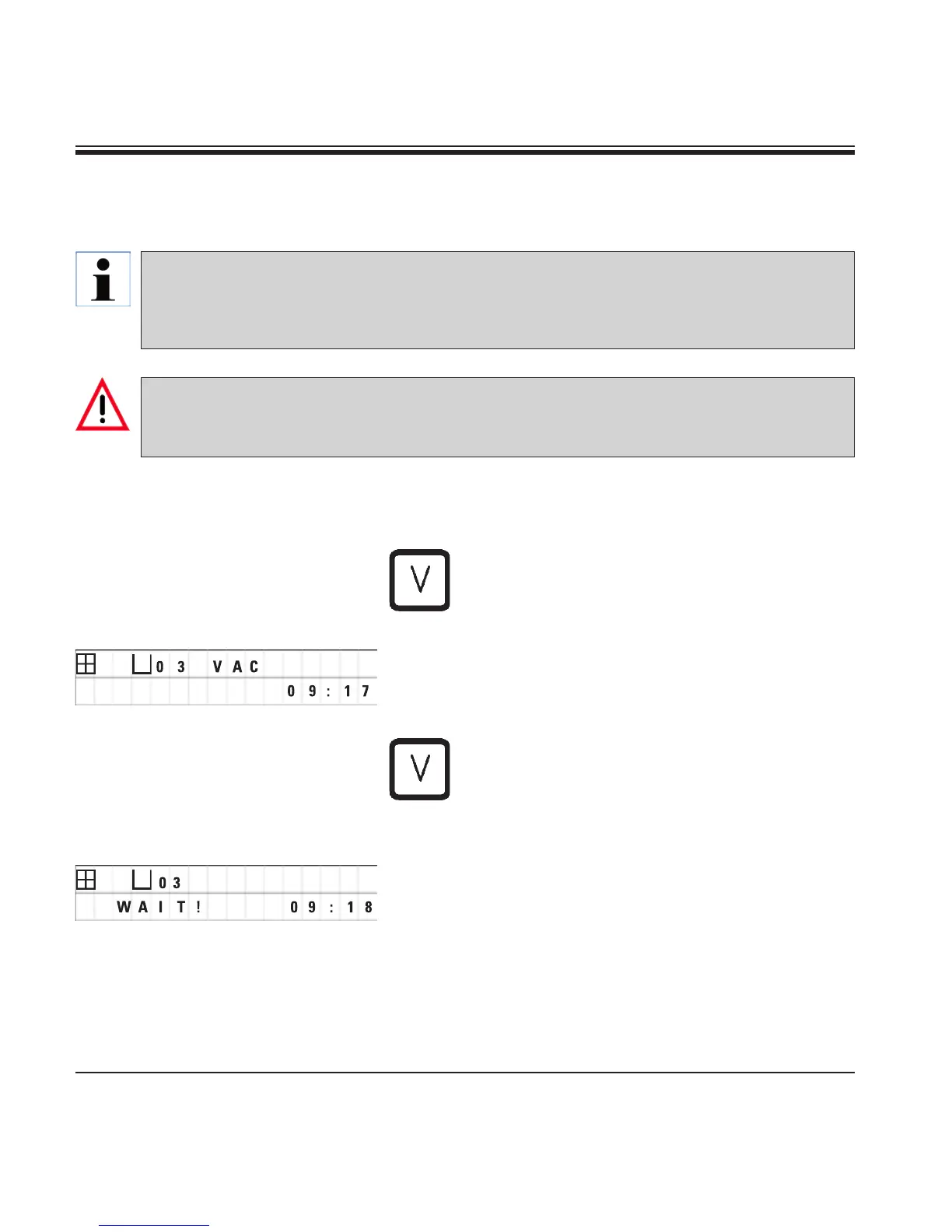
In the manual processing mode, pressing a but-
ton activates / deactivates the vacuum function.
• Press"V"toactivatevacuum.
The display reads "VAC" (vacuum). The pump
noise diminishes while vacuum is generated.
• Todeactivatethevacuum,press"V"again.
"VAC" disappears from the display. The vacuum
is deactivated.
While the container is being ventilated, a slight
hissing noise can be heard. Only after the station
has been completely ventilated can the tissue
basket be lifted out of it.
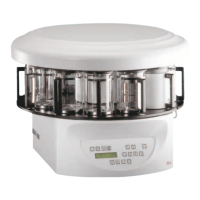
The Leica TP1020 is available with and without a vacuum function. Instruments without vacuum
function also have the "V" button for vacuum on the control panel, however this key is not func-
tional. "V" is not displayed.
Of course a vacuum function cannot be activated with the "V" buttons in those cases.
Instruments equipped with vacuum function may only be operated with the aluminum contain-
ers supplied together with the instrument. Glass beakers used in combination with the vacuum
accessories have a high hazard potential when damaged!


 To Next Page