91
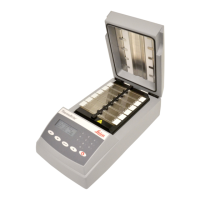
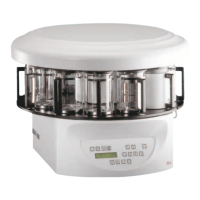
Leica TP1020
15. Appendix
Modifying the instrument configuration (continued)
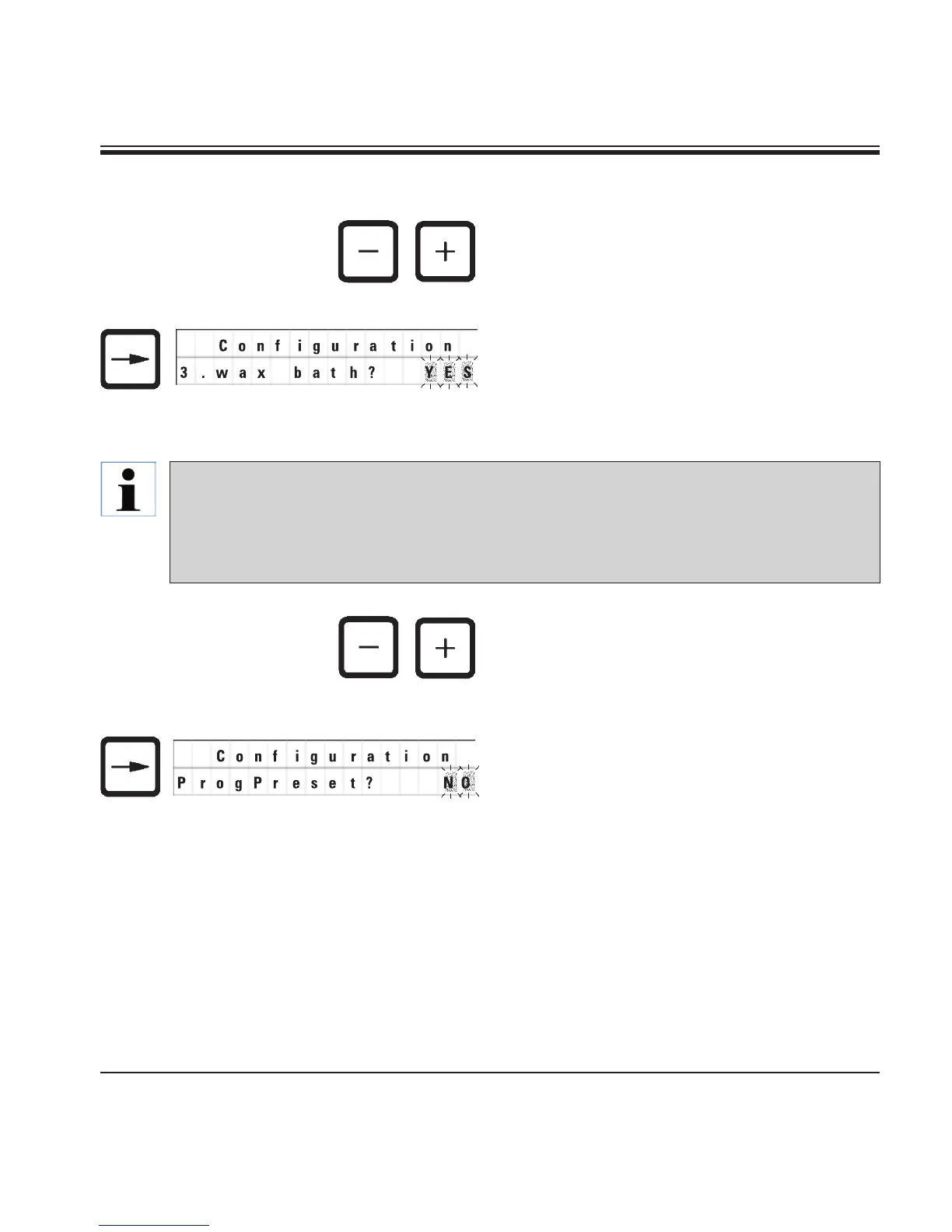
• Forthe next menu item, presstheCURSOR
button.
• Tochangethesetting,pressthePLUS / MINUS
keys.
The next standard setting is displayed.
3. Wax bath = do you wish to use a third wax
bath?
• Tochangethesetting,pressthePLUS / MINUS
keys.
• Forthe next menu item, presstheCURSOR
button.
The next standard setting is displayed.
ProgPreset? = Set programs no. 6 - 9
to factory preselected standard
values?
In station no. 10 you can install a third wax bath instead of the reagent station.
If you do so, you have to modify the configuration menu accordingly; otherwise the instrument
will not function properly. If you change from a three wax baths operation mode back to two
wax baths, you have to go back and readjust the configuration menu.


 To Next Page