Q-Survey Application
Description
After switching on and setting up correctly, the instrument is immediately ready for measuring.
Access
Select Q-Survey from the MAIN MENU.
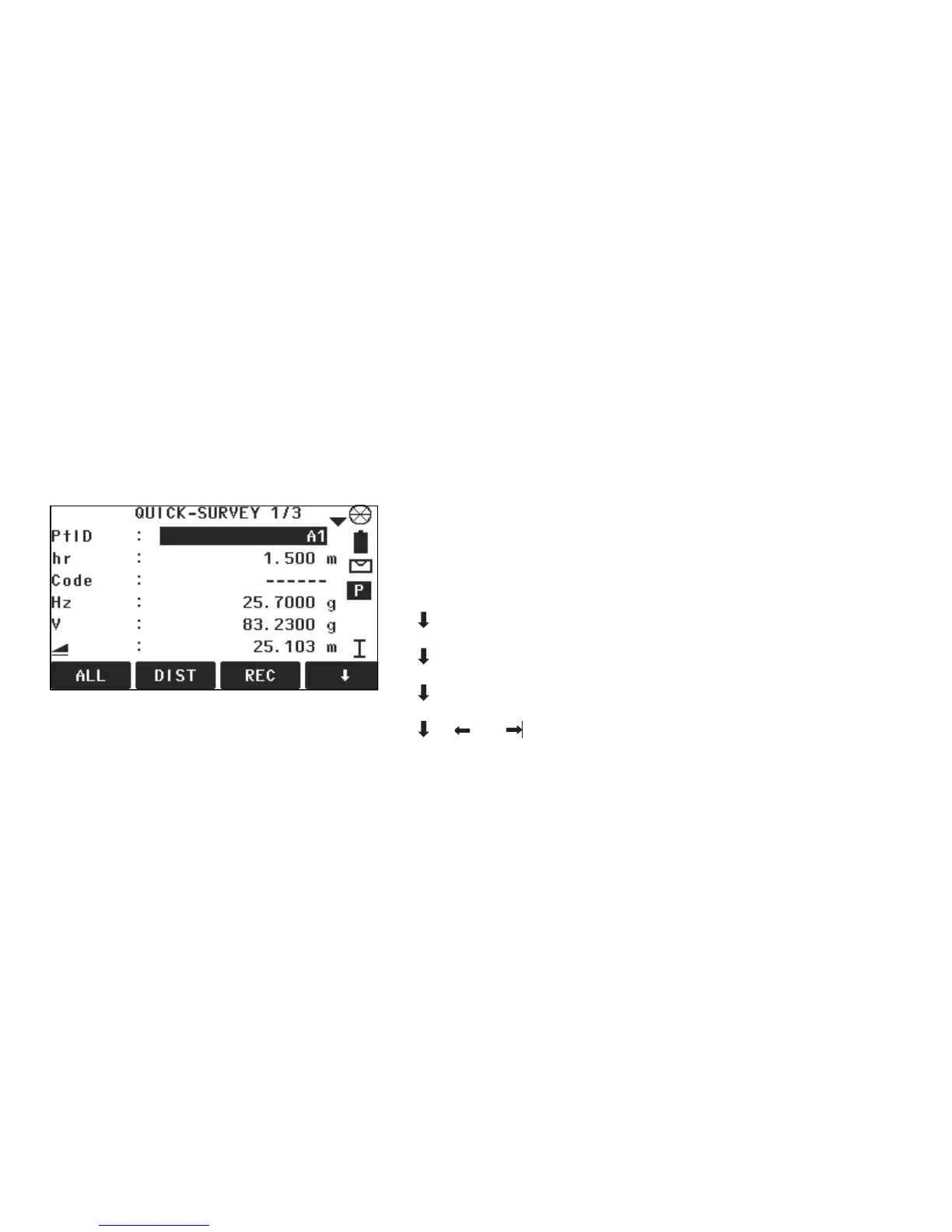
QUICK-SURVEY
Next step
Measure and record the point by pressing DIST and REC, or ALL.
ALL
To start measurements and save the measured values.
DIST
To start measurements and display the measured values.
REC
To save the displayed values.
CODE
To find/enter codes.
STATION
To enter station data and set the station.
Hz=0
To set the orientation to horizontal direction = 0.
Hz / Hz
To set the horizontal angle reading to the left (anticlockwise)
or to the right (clockwise).



 To Next Page