User Interface
Keys
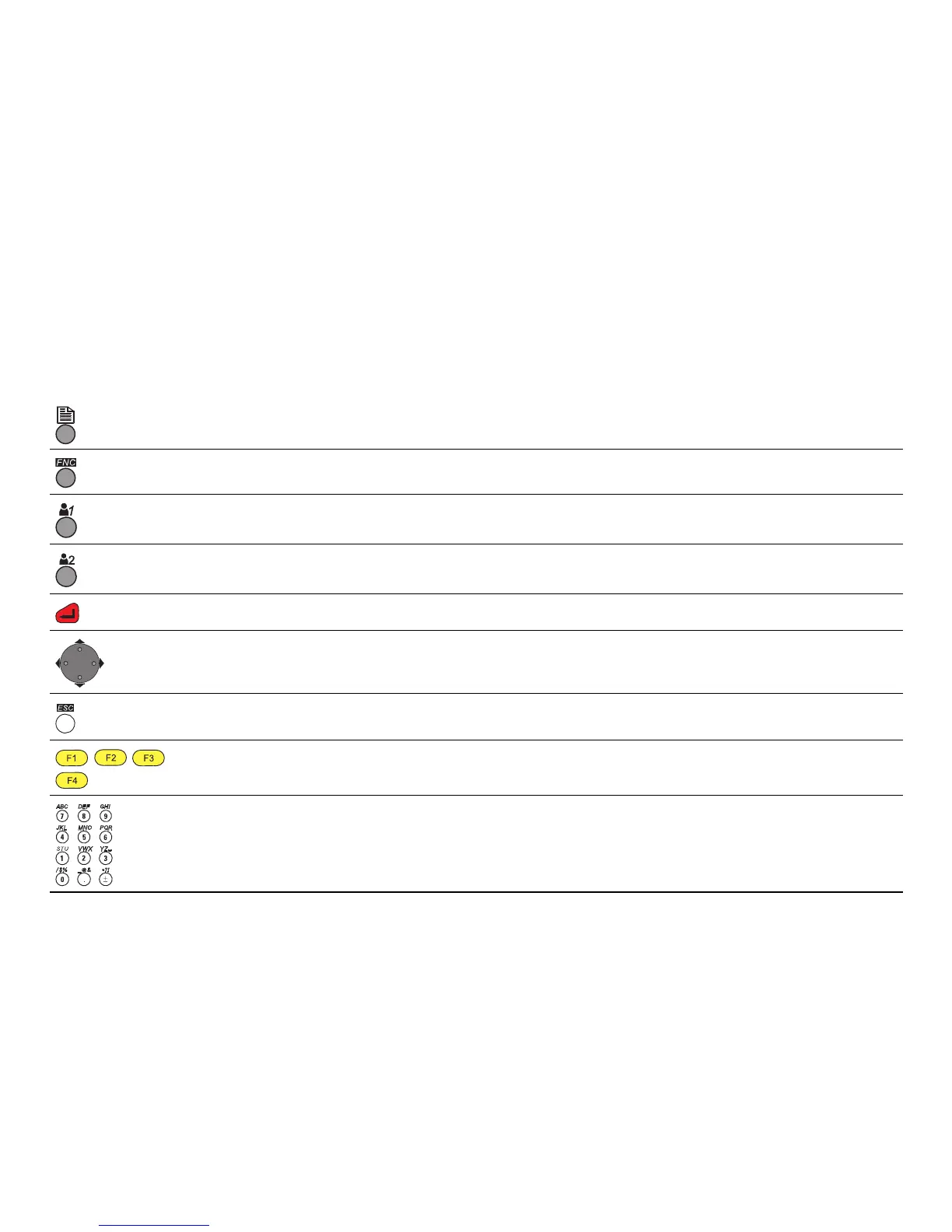
Page key. Displays the next screen when several screens are available.
FNC key. Quick-access to measurement supporting functions.
User key 1. Programmable with a function from the FNC menu.
User key 2. Programmable with a function from the FNC menu.
ENTER key. Confirms an entry and continues to the next field.
Navigation key. Controls the focus bar.
ESC key. Quits a screen or edit mode without saving changes. Returns to next higher level.
,,,
Function keys that are assigned the variable functions displayed at the bottom of the screen.
Alphanumeric keypad for entry of text and numerical values.



 To Next Page