15
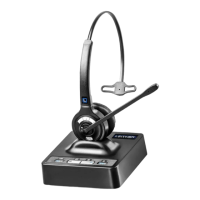
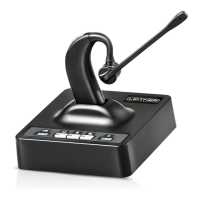
Turn this feature on if you’d like your headset to turn on automatically
when you pick up your headset off the charging base.
To turn this feature on: With your headset turned off, hold the + and –
buttons on your headset together for three seconds. Once auto-on is activated,
the light on your headset will flash slowly.
To turn this feature off: Follow the same steps again. This time the light on
your headset will quickly flash.
HOW TO
ACTIVATE AUTO-ON
HOW TO
TURN ON CALL CONTROL
Your Headset can answer and end Skype for Business calls directly from your
headset.
To turn this feature on: Hold the up button (+) on the bottom of your
charging base together with the Computer Mode button on the top of your
base for three seconds. Your base will quickly flash 6 times to confirm.
To turn this feature back off: Hold the down button (–) on the bottom of
your charging base together with the Computer Mode button on the top of
your charging base for three seconds. Your base will flash 6 times to confirm.



 To Next Page